
End-to-end live delivery and access control
Ingest, route, secure, and deliver live and VOD — via UI or API. Cloud on AWS or on-prem.
Delivery
Delivery
Callaba SRT Server
Receive, monitor, and route SRT contribution feeds with Callaba in the cloud or on your own Linux infrastructure.

Delivery
Delivery
Callaba RTMP Server
Receive OBS and encoder feeds through a controlled RTMP listener, then connect playback, recording, and routing workflows.
Workflow
Workflow
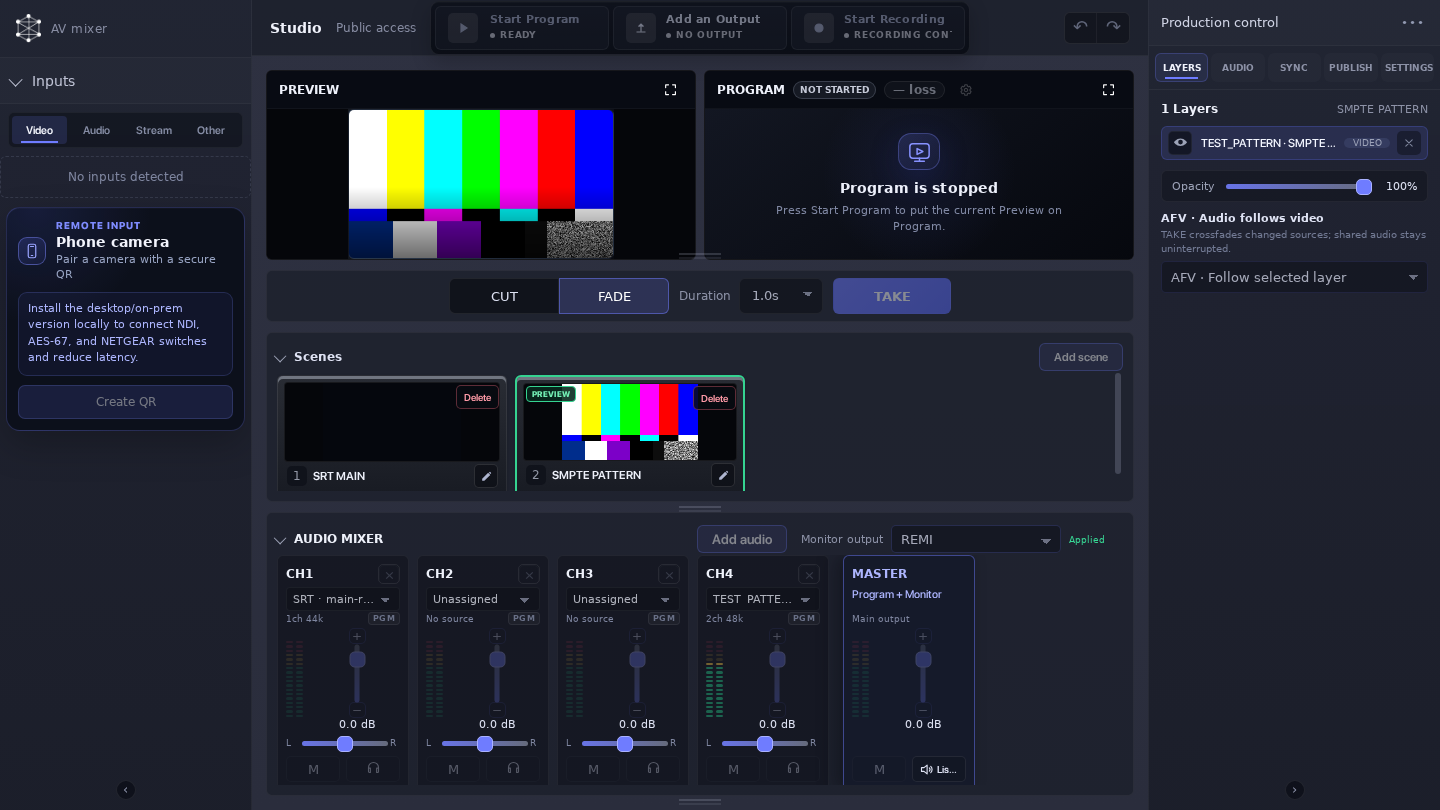
Video Mixer
Build scenes, switch cameras, and mix audio in a browser-based Video Mixer.

Delivery
Delivery
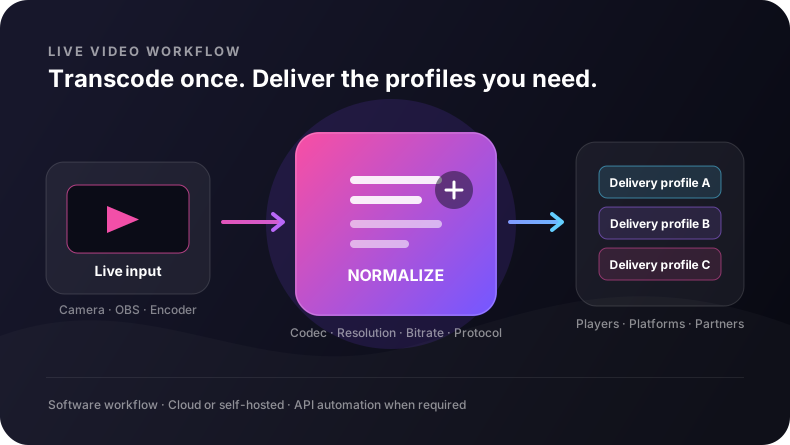
Live multistreaming platform
Bring one verified contribution feed into Callaba, then create a separate Restream job for each destination. Each job has its own destination settings and runtime state; recording, Web Player, and recovery are separate workflows you add when needed.
Processing
Processing
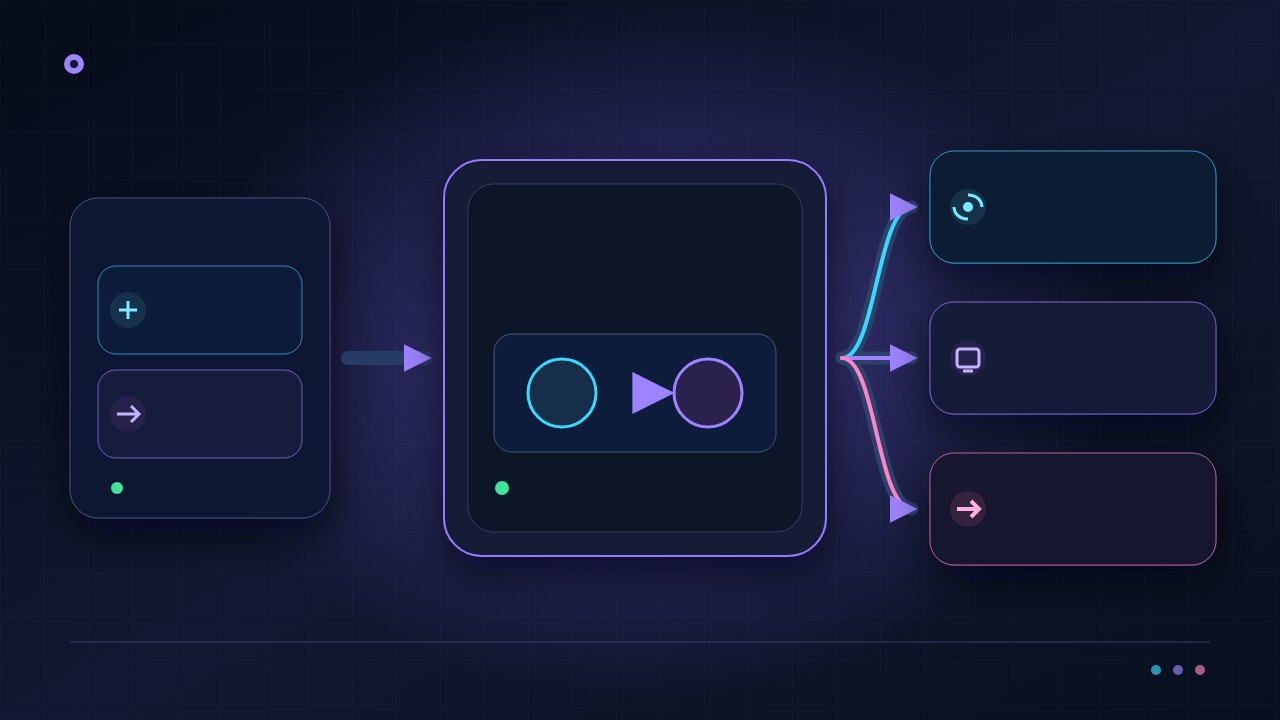
Live video transcoding software
Callaba runs as software alongside your hardware encoder. For distinct destination profiles, create separate Restream jobs; Web Player ABR is a separate playback workflow. Codec, acceleration, and container support depend on the selected deployment and media profile.
Workflow
Workflow
Callaba NDI Server
Configure, discover, bridge, and monitor NDI from one product UI, with explicit network boundaries and a reviewed SRT path for unpredictable WAN links.
Workflow
Workflow
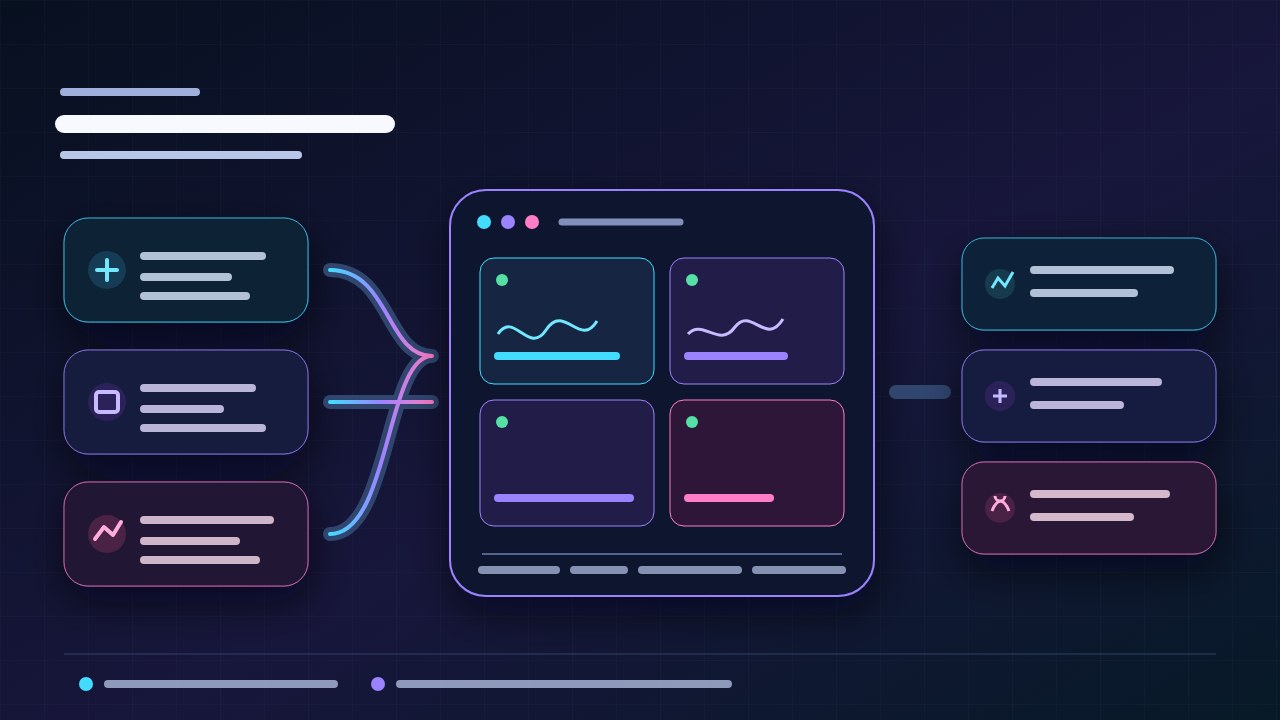
Callaba Multiview
Monitor SRT, RTMP, NDI, and browser camera inputs together in a flexible browser-based live video wall.
Workflow
Workflow
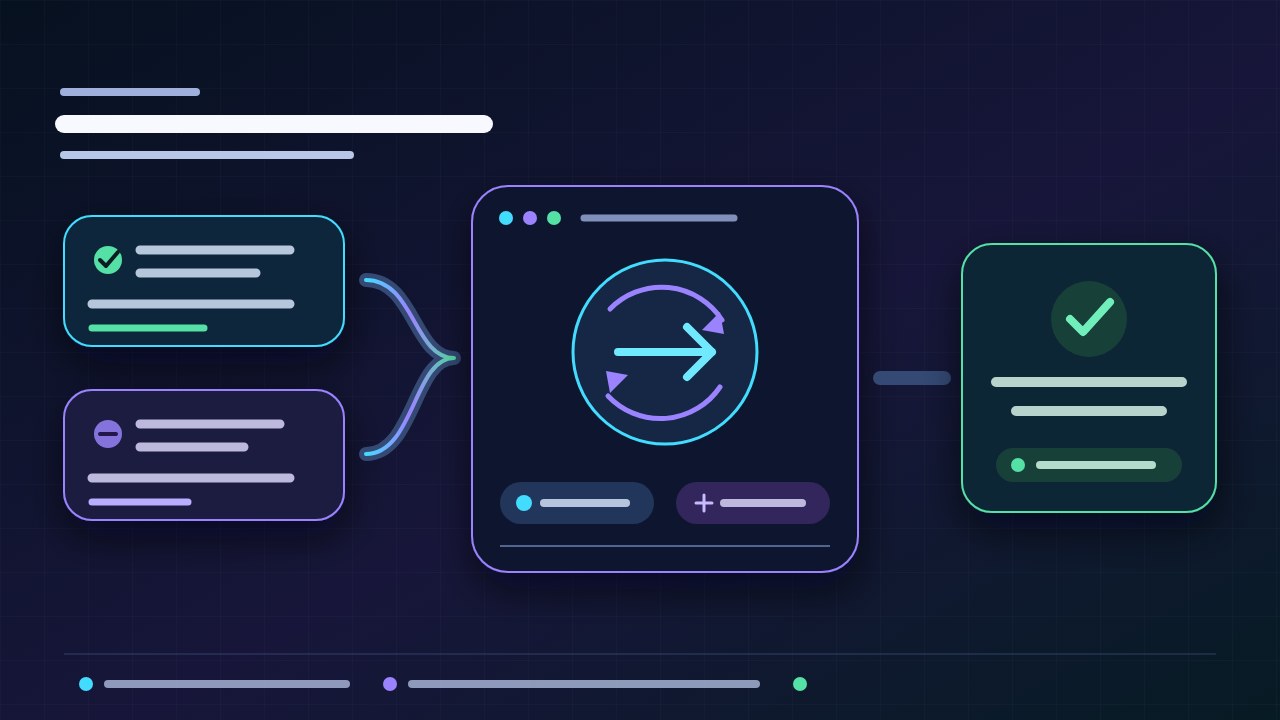
Callaba Live Video Failover
Prepare primary and backup SRT upstreams for automatic relay recovery; planned source changes are applied through a controlled restart.

Always on
Always on
24/7 live streaming channels and playout
Operate an always-on channel for news, radio, cameras, digital signage, or branded programming. Combine live and scheduled sources, keep a stable viewer-facing output, record the channel, and design fallback paths for unattended operation.
Playback
Playback
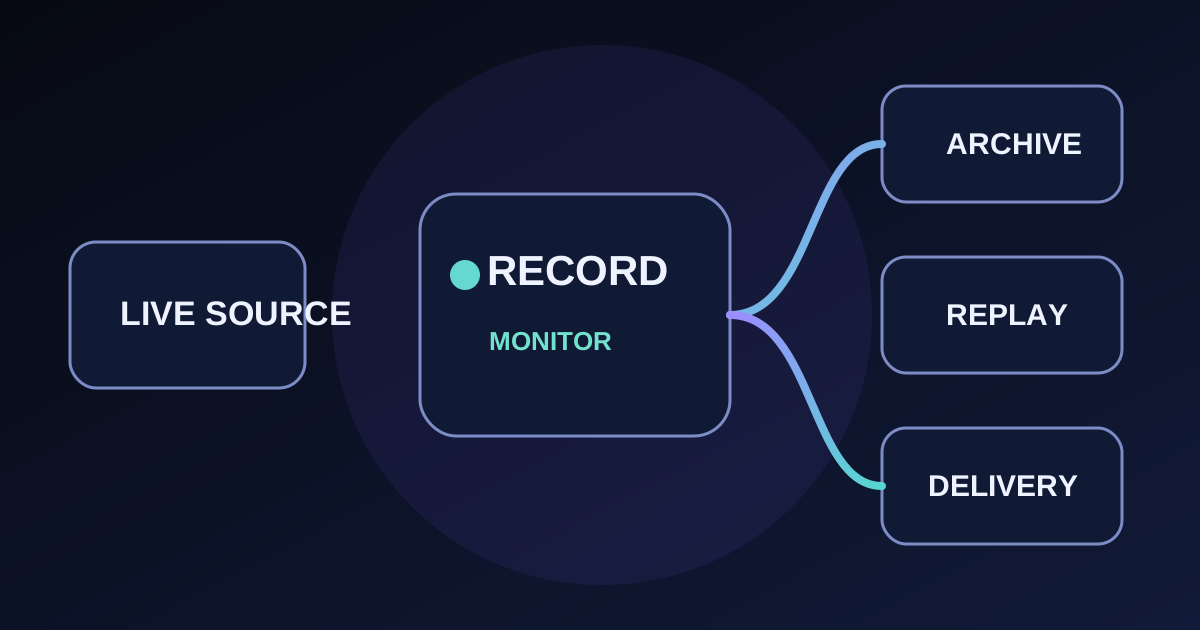
Video Stream Recorder
Record a managed source, network URL, NDI or Video Room as one file or timed segments on encrypted internal disk. Continue in File Manager to review visibility and create a separate converted copy. Connect POSIX-compatible Storage only when the workflow needs it.
Playback
Playback
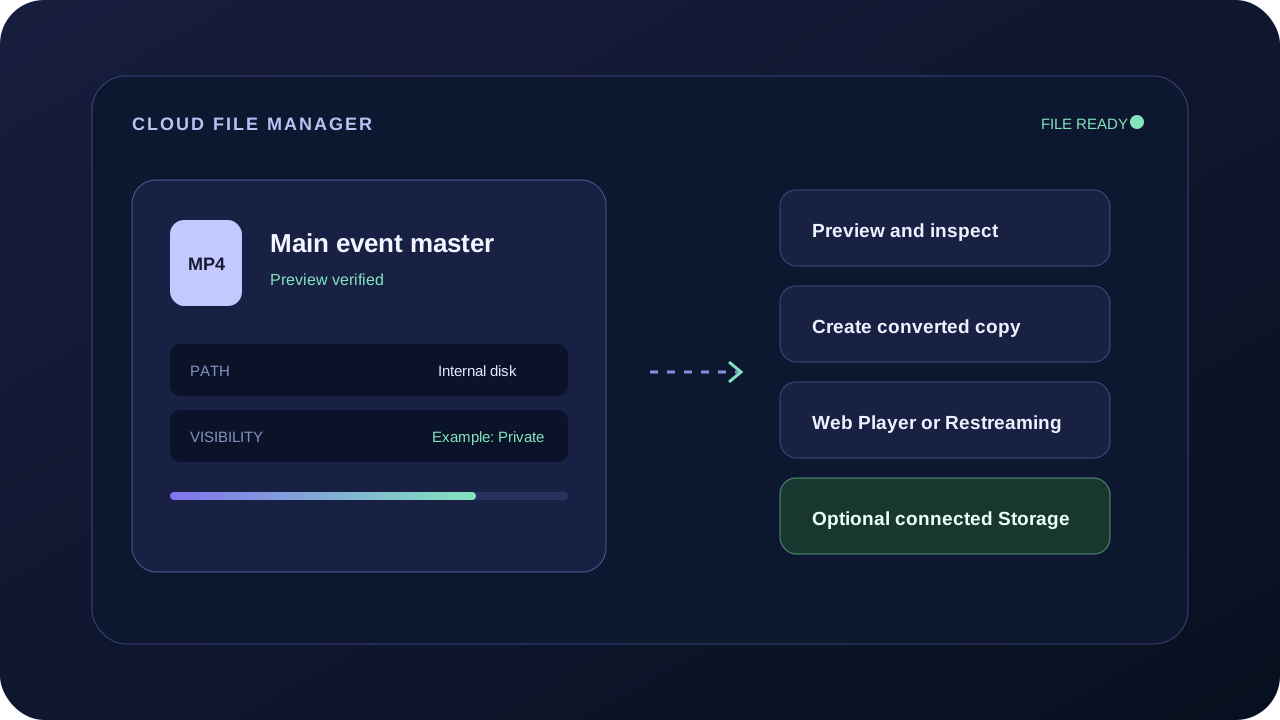
Cloud File Manager
Manage uploaded, recorded and processed media on encrypted internal disk. Preview files, control visibility, create converted copies, reuse a verified file in Web Player or Restreaming, and optionally connect POSIX-compatible Storage.

Playback
Playback
Video on demand hosting and branded playback
Turn uploaded or recorded video into a managed on-demand library. Organize assets and playlists, publish a branded player on your site, control who can watch, and deliver the same catalog across devices without building a separate playback stack.

Monetization
Monetization
Pay-per-view streaming and controlled access
Sell tickets to a live event, offer the replay on demand, or protect a video collection behind one branded viewing experience. Set pricing and access rules, publish the player on your site, and keep control of the audience relationship and revenue model.

Developer
Developer
Callaba Video API for live streaming workflows
Create and operate SRT and RTMP ingest, routing, Multiview, recording, web playback, storage, and video calls in one product. Configure the workflow visually first, then automate the same modules through REST on AWS or your own Linux infrastructure.
Realtime
Realtime
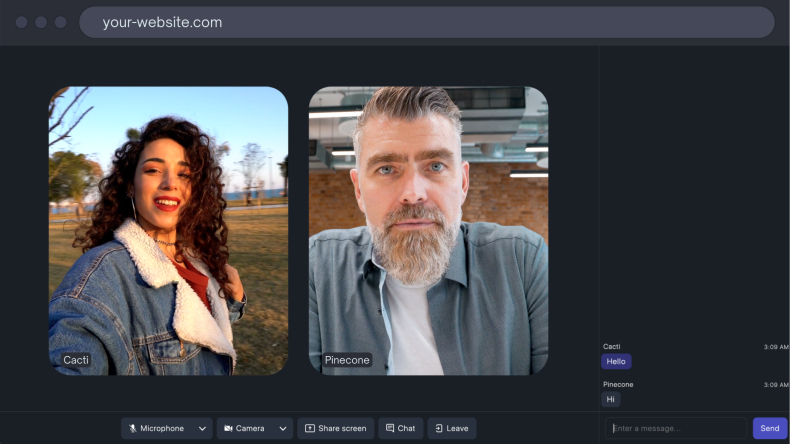
Browser video conferencing and webinar rooms
Run video calls, moderated webinars, support rooms, and interactive broadcasts directly in the browser. Separate active speakers from viewers, control who can join, record important sessions, and extend the same room into a larger live or replay workflow.