
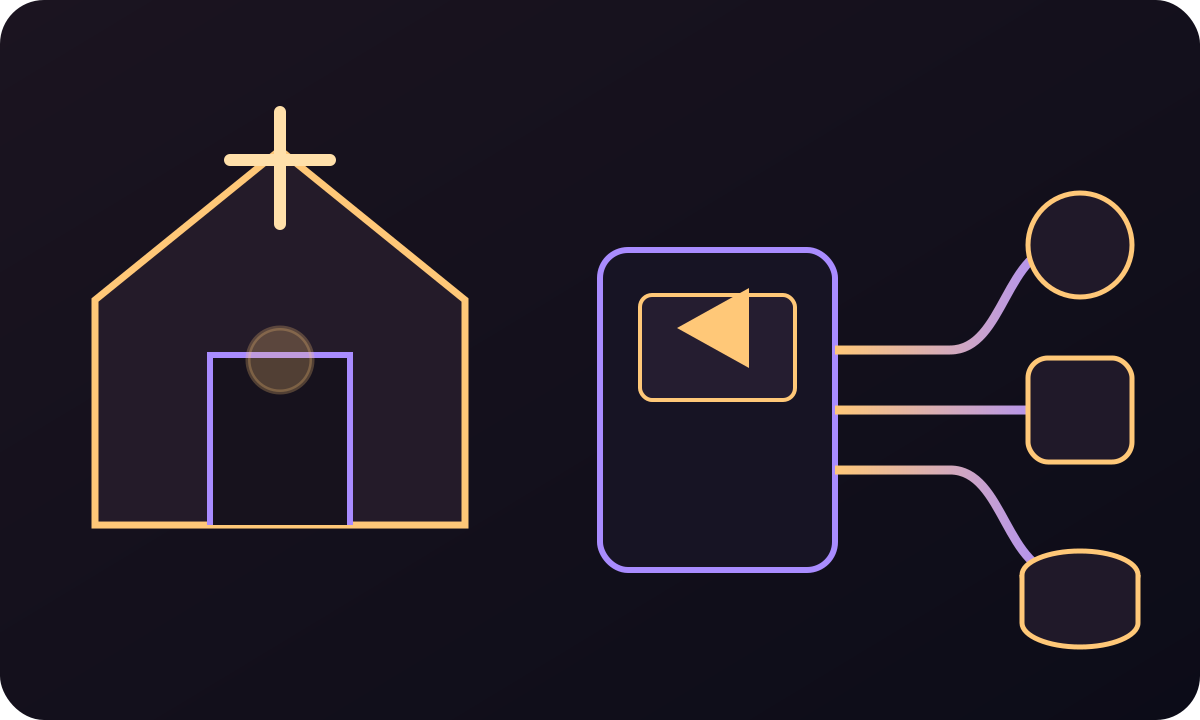
Multi-platform delivery
Operate one reviewed input and monitor every destination as a separate output.
Receive the programme feed, check it before viewers notice a problem, send it to the required platforms, and preserve a recording for later playback—all from the same Callaba deployment.
Give staff and volunteers an operating sequence that can be rehearsed before the service begins.
Bring the programme output from OBS, a hardware encoder, or the venue production system into Callaba.
Confirm the input and destination state in Multiview and live telemetry.
Send the same reviewed feed to YouTube, Facebook, a website player, or another approved destination.
Record the service for an archive, catch-up page, or controlled on-demand playback.
Before the service, hand one person a short cue card: which programme feed should be live, which destinations should be ready, and where the recording will appear. Rehearse that sequence with the same account and equipment the team will use when the room is full.
Confirm the named input, destination list, operator access and recording target. Put the escalation contact on the same cue card so a volunteer does not have to search for it during the service.
Watch the programme and destination state that the team agreed to monitor. If something changes, follow the rehearsed decision path instead of changing several settings at once.
Verify that the recording belongs to the expected service and can be opened by the person responsible for replay or editing before the operator signs off.
Operating boundaryMusic licensing, participant consent, accessibility and privacy depend on the service, platform and jurisdiction. Keep that guidance in the reviewed editorial or legal workflow, not in a software capability promise.
Start from the visible product controls and introduce API automation only after the live sequence is reliable.
Operate one reviewed input and monitor every destination as a separate output.
Preserve each live programme for replay, editing, or a media archive.
Choose a managed cloud launch or keep the software and media on Linux infrastructure you control.
Standardize the recurring path from the venue feed to viewers and the recording archive.
Add temporary destinations, remote contributors, or paid access without replacing the base workflow.
Receive feeds from several locations and route approved programmes to local or online audiences.
Route the reviewed service feed to another room or campus display while keeping online delivery and recording in the same operating plan.
Start with the modules the operators need. Add the remaining capabilities as the production path, audience, and retention plan become clear.
Follow a practical runbook from contribution and operator checks to destination delivery and an owned recording.
Create one restream job per destination, start delivery after the source is healthy, and inspect every output independently.
Yes. Callaba can use one reviewed live input for multiple destination jobs, with separate state and statistics for each output.
Yes. The normal service workflow is available through the product interface. The API is an optional automation layer.
Recording can be configured as part of the operating workflow and attached to storage chosen by the team.
Yes. A self-hosted Linux deployment is available alongside cloud deployment.
Callaba exposes live source and destination state, and Multiview provides a browser-visible operating surface for the team.