
Release notes
Production control, with the monitoring and delivery path close at hand
Callaba 8.8 is built for teams that need to receive, observe, prepare, switch, record, and distribute live video from their own server. This release note introduces the 8.8.4 improvements; the current installation guide has the host requirements and update procedure.
What’s new in 8.8.4
More context where operators need it
Ask AI, alongside the work
Ask from the dashboard or beside a module. Visible module names, statuses, and metrics can inform the question, while answers arrive progressively with links to relevant Callaba documentation.
Find the SRT event that matters
Open a dedicated log view for an SRT server, follow incoming lines, filter or export visible results, and choose a log level and storage limit for that server. The result is a focused diagnostic view when a contribution feed needs attention.
A clearer route to HTTPS
Choose a Callaba domain, an owned domain with automatic SSL, or an uploaded certificate. The revised setup flow makes certificate progress and recovery easier to follow.
Video Mixer
A steadier handoff from preview to programme
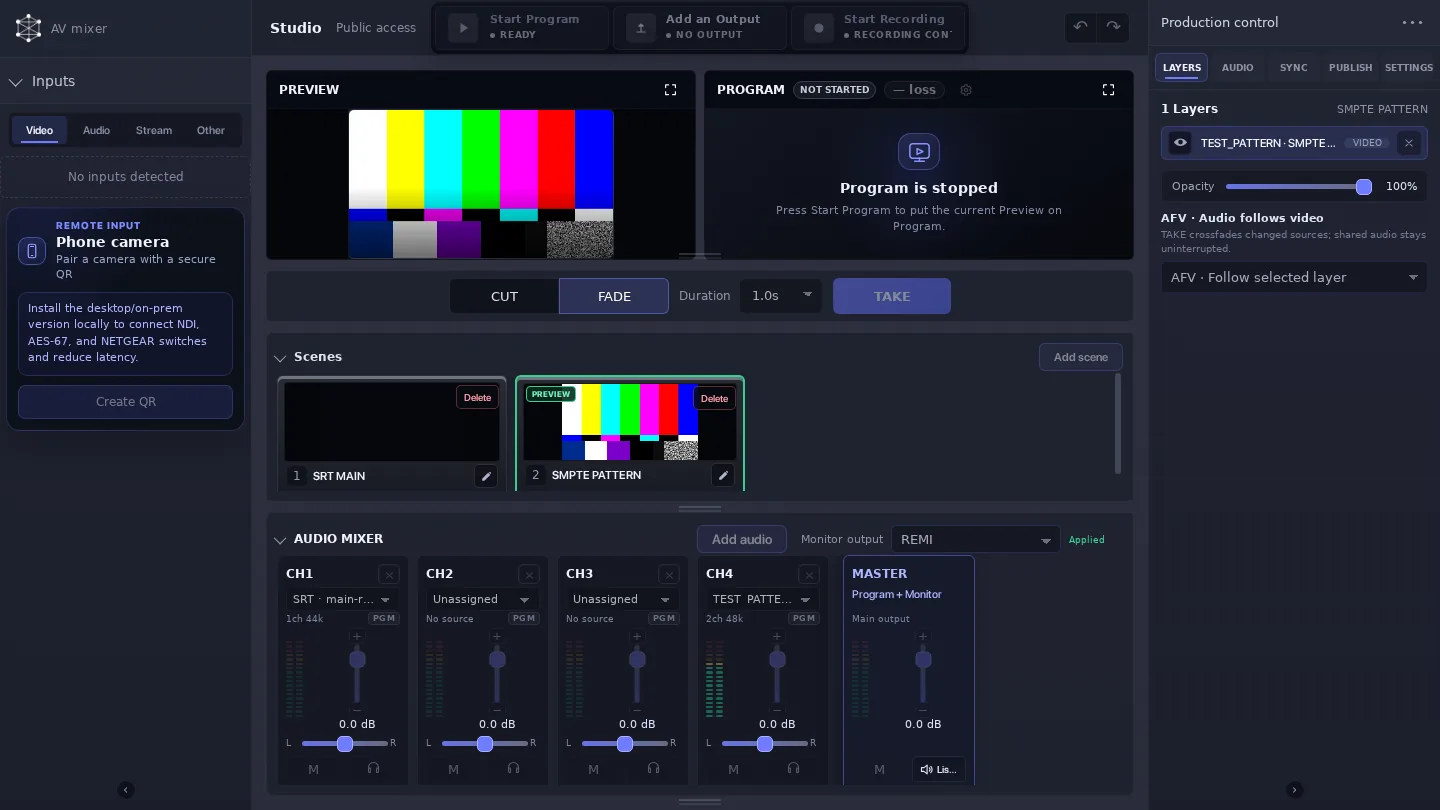
New mixer setups use CUT by default, with FADE still available. The first TAKE can wait for a newly added scene to prepare, and scene changes can use a real video crossfade when the next layout needs preparation. The release also improves audio continuity through transitions.
Inspect the Video Mixer demo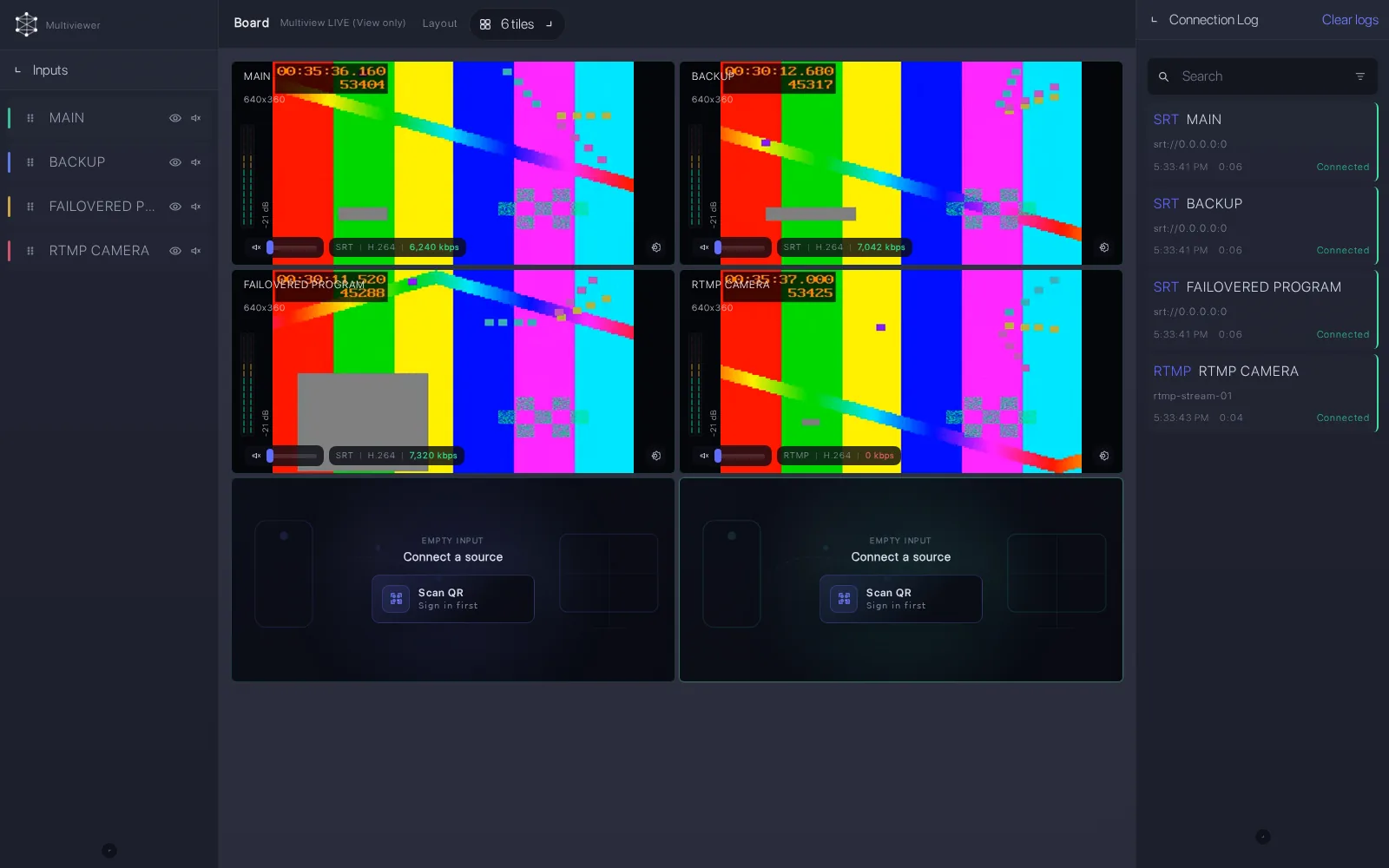
Restore the working view
Keep monitoring connections in view after import
Import recovery restores Multiview input pipelines without requiring each board to be restarted manually. Template-created Multiview sources remain available after reload and restore their media connections once dependent services are ready.
Inspect the Multiview demoAlso included across 8.8 to 8.8.4
A broader 8.8 production workspace
Output formats. Program canvases can be landscape, vertical, square, portrait, or custom, with matching output resolution and frame-rate controls.
Audio monitoring. Audio Follows Video, configurable mapping, and remote monitoring support give operators a clearer way to follow sources.
Deployment updates. Delivered runtime images are smaller, while supported updates retain configuration, media, recordings, and certificates.
Ready when your workflow is
Install or update through the current guide
Review host requirements and choose the 8.8.4 installation path for your processing mode.