Obs Studio
More live video workflow notes and product updates.

OBS Studio is widely used for live production, but stable delivery depends on architecture around the encoder, not only encoder settings. This guide covers practical OBS Studio workflows for reliable contribution, low-delay operations, and consistent audience playback.
What it means
In production, OBS Studio is an edge source that must be paired with ingest resilience, monitoring, and fallback paths. Correct scene setup is only part of the system.
Decision guide
- Define destination model: single, multi-destination, or monitored low-delay path.
- Set encoder profile and keyframe cadence by target platform.
- Choose transport: SRT for unstable links, RTMP for compatibility.
- Plan backup source and reconnect policy.
- Instrument packet loss, RTT, and dropped frames.
Implementation path: Ingest and route, Video platform API, and Player and embed. Before full production rollout, run a Test and QA pass with Generate test videos and streaming quality check and video preview. Before full production rollout, run a Test and QA pass with a test app for end-to-end validation.
Latency budget and architecture budget
- Capture and encode
- Transport and recovery
- Packaging and edge delivery
- Player startup buffer
Use SRT low-latency patterns and low latency baseline.
Practical recipes
Recipe 1
- Set keyframe interval to 2s (or 1s for stricter low-delay profiles).
- Use CBR with tested bitrate range per resolution.
- Validate stream health on real network path before event start.
Recipe 2
- Use separate profile for operator monitoring path.
- Keep backup destination ready and tested.
- Automate failover triggers where possible.
Recipe 3
- Record local safety copy for incident recovery.
- Send health metrics to alerting pipeline.
- Run preflight checklist before going live.
Practical configuration targets
- 1080p: 4.5-6.5 Mbps AVC.
- 720p: 2.2-3.5 Mbps AVC.
- Audio: 128-192 kbps AAC.
- Keyframe: 1-2s aligned with segment cadence.
Limitations and trade-offs
- Higher quality raises uplink sensitivity.
- Lower delay reduces jitter margin.
- Complex scenes increase encoding pressure.
Common mistakes and fixes
- Mistake: no preflight. Fix: enforce checklist and dry-run.
- Mistake: one profile for all events. Fix: use scenario-specific presets.
- Mistake: no backup route. Fix: maintain tested failover.
Rollout checklist
- Profiles versioned.
- Backup route tested.
- Metrics and alerts active.
Example architectures
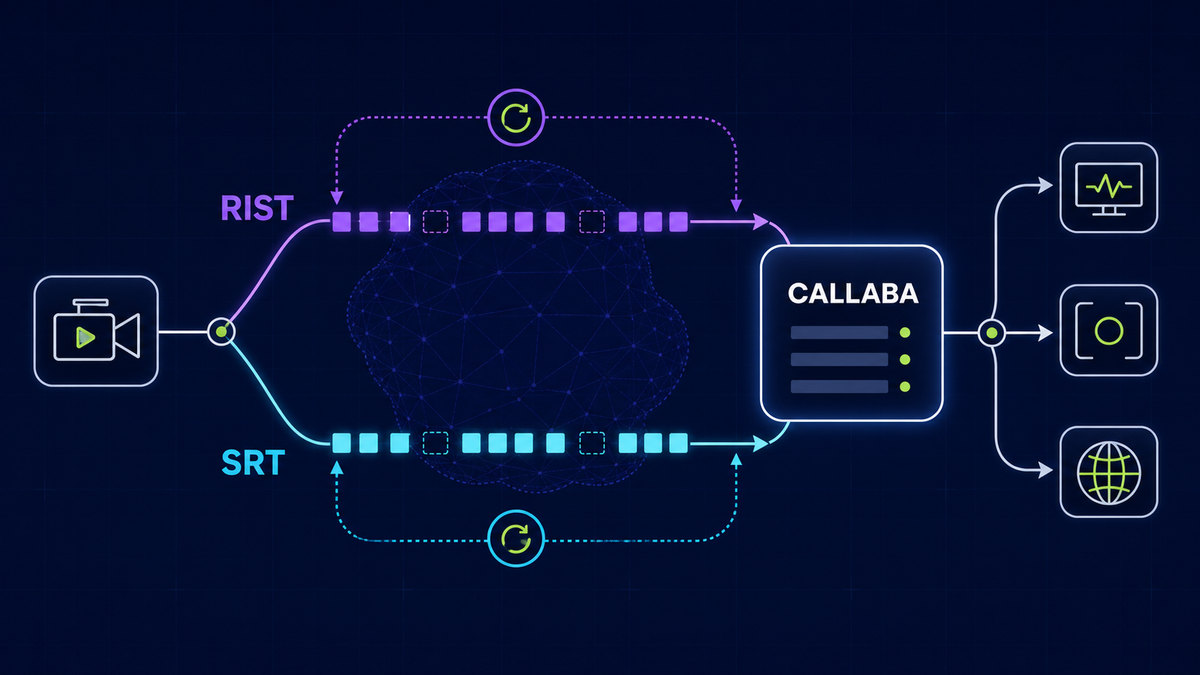
OBS Studio to resilient ingest, then API-orchestrated distribution to player/social outputs is a stable baseline for live teams.
Troubleshooting quick wins
- Dropped frames rise: lower bitrate or simplify scene.
- Latency drifts: inspect transport RTT and buffer settings.
- Destination unstable: switch to backup and isolate root cause.
Next step
Continue with OBS integration notes, RTMP operations, and Ingest and route.
Use the bitrate calculator to size the workload, or build your own licence with Callaba Self-Hosted if the workflow needs more flexibility and infrastructure control. Managed launch is also available through AWS Marketplace.