

Once the HLS origin is ready, CloudFront becomes the delivery layer that helps distribute the stream to a larger viewer audience. This page is about that second half of the architecture: origin to CDN, not source to ingest.
If you are starting from an SRT contribution feed, the broader route is SRT ingest to HLS to CloudFront delivery. If the HLS path is already working and you now need CDN scale, this is the right page to use.

This walkthrough is longer than most AWS pages because CloudFront configuration is not only about clicking through the wizard. It is about making sure the origin, distribution behavior, and cache logic actually fit live HLS delivery.
What CloudFront is doing in this workflow
CloudFront is the CDN layer in front of the HLS origin. It does not create the live stream. It distributes the playback path more efficiently and helps take viewer load off the origin.
Step 1. Start the CloudFront distribution flow

Open CloudFront in AWS and begin creating a distribution for the live HLS workflow.
Step 2. Point the distribution to the correct origin
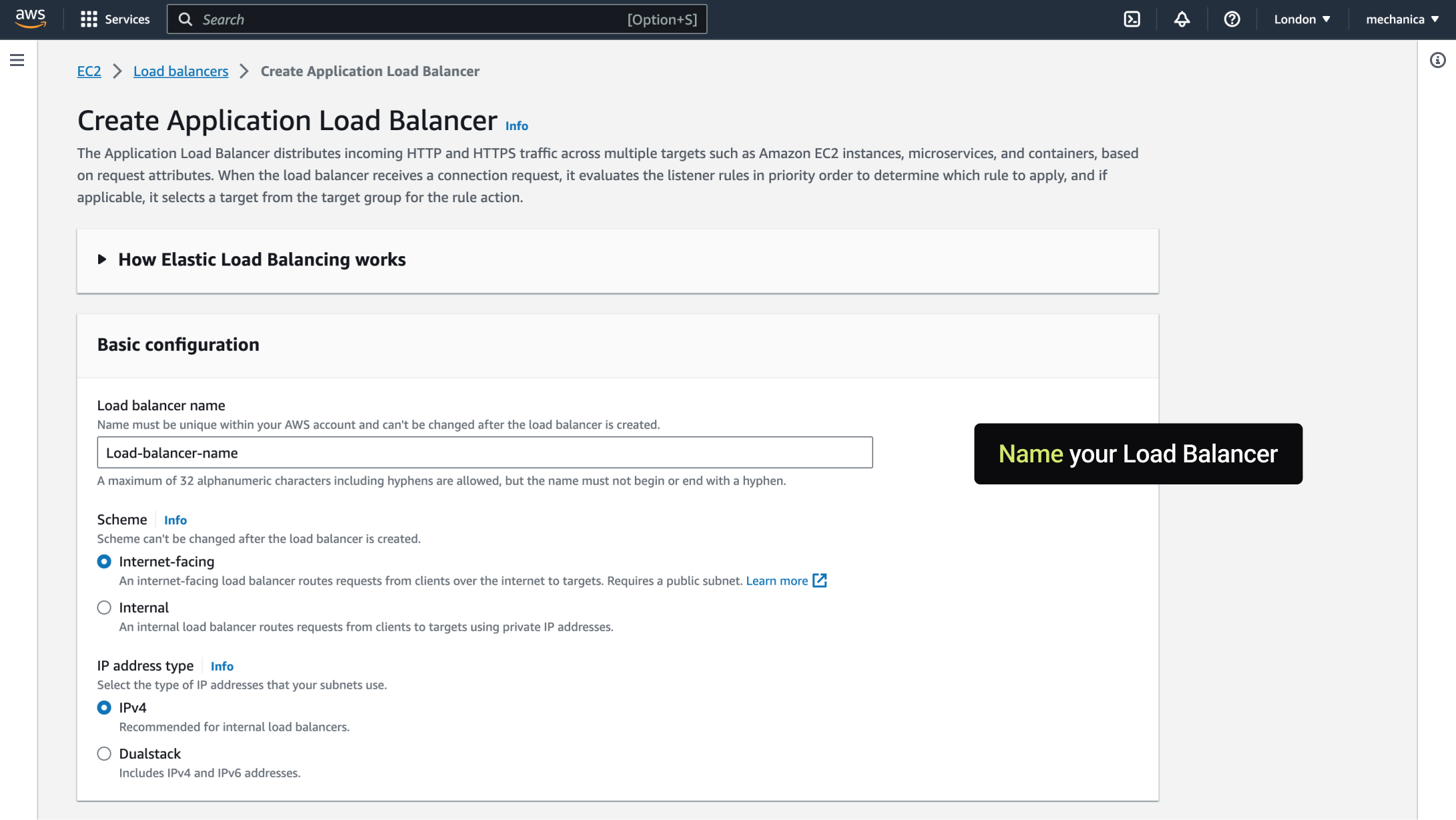
The origin should be the HLS playback source you actually want CloudFront to serve. Validate the HLS path first before putting the CDN in front of it.
Step 3. Configure the basic distribution behavior


Set the key behavior options that define how CloudFront will fetch and serve content from the origin.
Step 4. Review the playback path


Before worrying about scale, confirm that the distribution can actually serve the HLS manifests and segments from the origin correctly.
Step 5. Test viewer-facing delivery


Verify that playback through the CloudFront URL behaves as expected and that the origin is not the only path being tested.
Step 6. Tune the distribution for live HLS behavior


Live HLS delivery is more sensitive than static file delivery, so distribution settings and cache behavior matter. This is where many viewer-facing problems begin if defaults are left untouched.
Step 7. Validate the result at scale
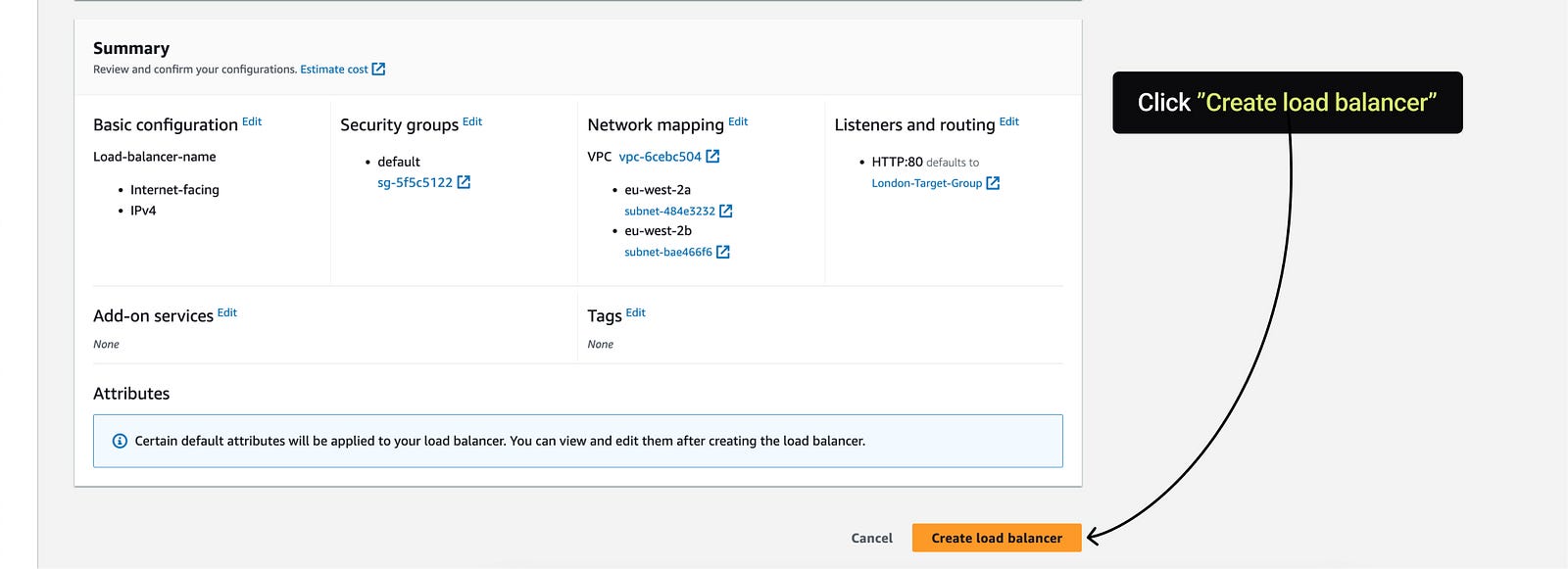
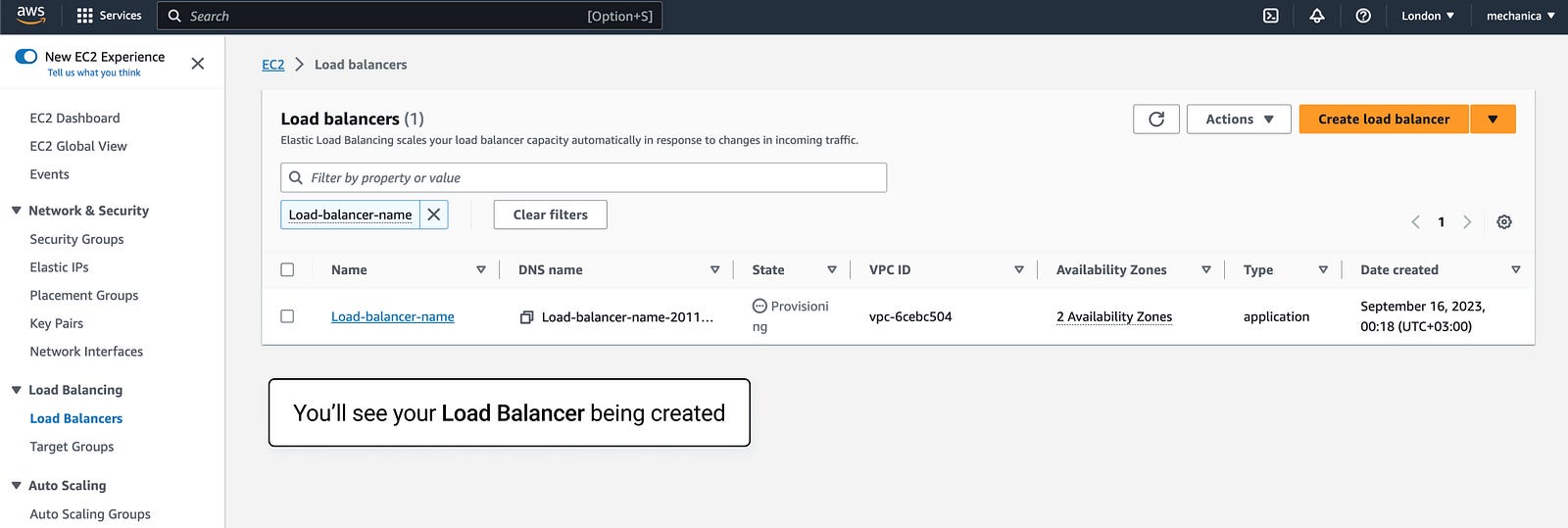


If CloudFront is live but playback still feels wrong, the next page to check is HLS fragment caching, because CDN behavior and fragment rules are tightly connected.
Operational checks before a live stream goes through CloudFront
Finishing the distribution setup is not the same as proving live delivery. HLS manifests change frequently, media segments must stay cacheable for useful periods, and failover behavior depends on the requests and status codes CloudFront is configured to handle.
cache behavior
manifests and segments
- Separate freshness by object type. Live manifests generally need shorter caching than immutable media segments.
- Keep cache keys intentional. Forward only query strings, headers and cookies that truly change the object.
- Test CORS and content types. A reachable playlist can still fail in the player because browser requests are rejected.
- Watch origin load. Cache-hit ratio, origin requests and transfer should be observed during a realistic concurrency test.
- Model failover limits. CloudFront origin failover applies to supported methods and configured status codes; read the current AWS behavior before treating it as live-source switching.
- Exercise stale and failed paths. Stop the primary origin, inspect player continuity and confirm recovery after it returns.
- Estimate regional cost. Viewer geography, bitrate, event duration and cache efficiency all affect transfer and request charges.
- Roll out in stages. Validate one distribution and a small viewer group before moving a production audience.
Use the current AWS references for origin failover and the Live Streaming on AWS architecture. Callaba can prepare and operate the live workflow before delivery; CloudFront remains the HTTP distribution layer.
Final practical rule
Do not treat CloudFront setup as a generic CDN task. For live HLS, the distribution only works well when the origin is clean, the playback path is validated first, and the cache behavior is tuned for streaming rather than static web content.
