How to Create and Manage an SRT Gateway in Callaba Cloud
More live video workflow notes and product updates.

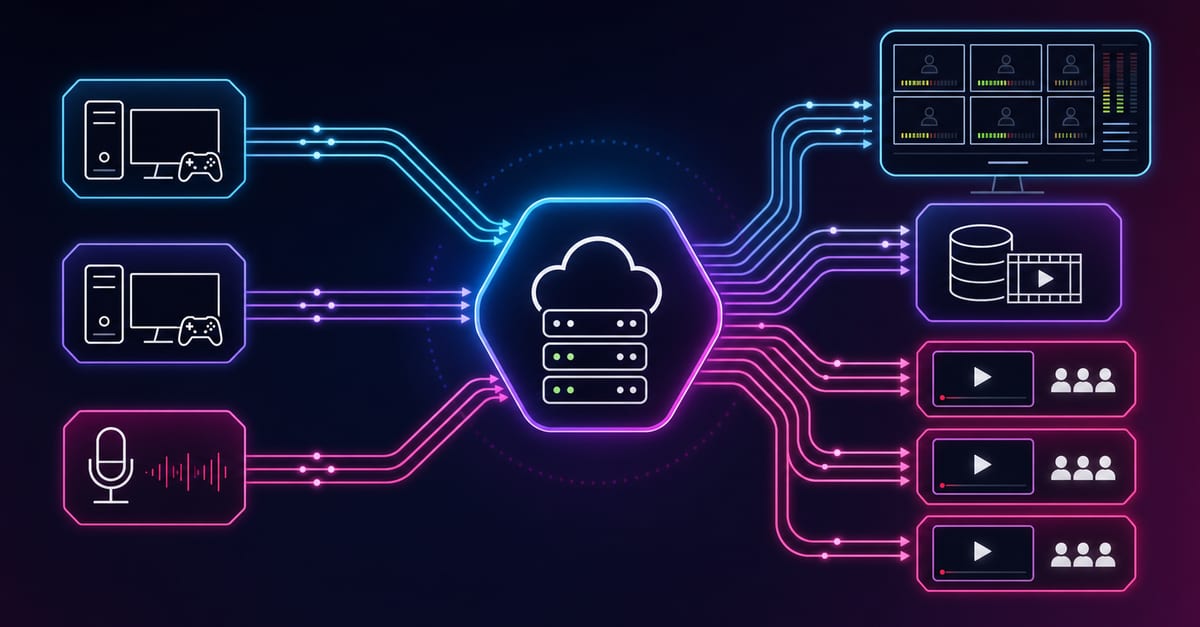
If your starting point is an SRT feed, the first job is not CDN or playback. The first job is controlled ingest. In Callaba Cloud, that usually means creating an SRT server or gateway that accepts the contribution stream cleanly and turns it into a stable handoff point for the rest of the workflow.
This page focuses on that first layer: create the gateway, adjust the key settings, start it, edit it when needed, and remove it cleanly later. If your final goal is large-scale viewer delivery, the broader route is SRT ingest to HLS to CloudFront delivery. If you only need the protocol background first, start with SRT server and SRT.
What an SRT gateway does in practice
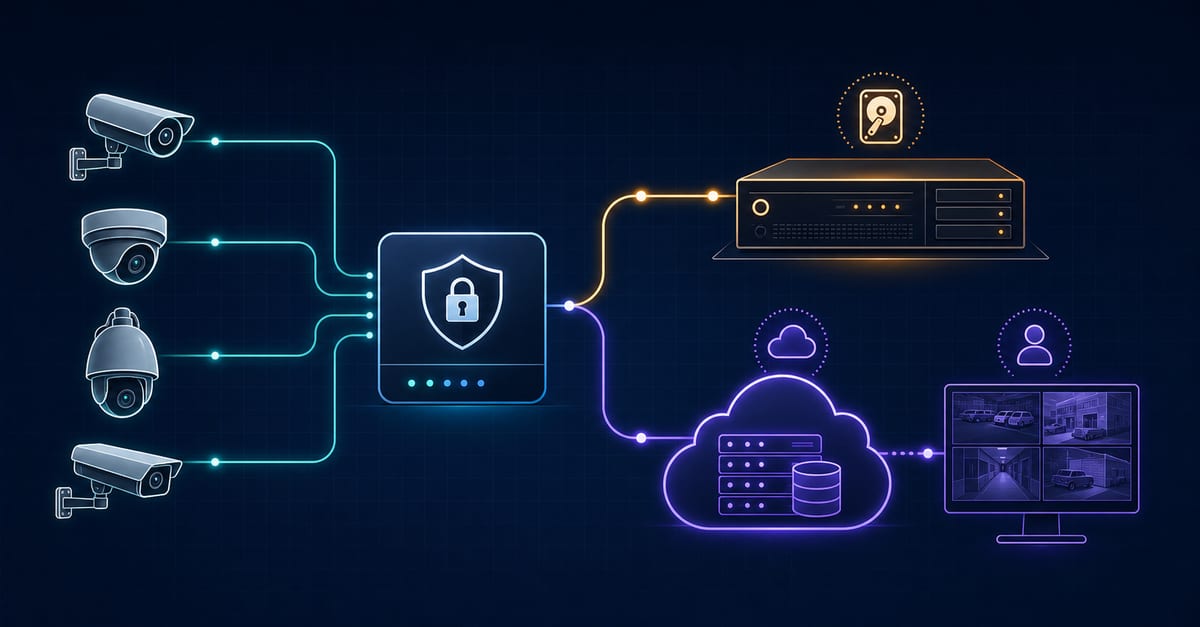
An SRT gateway is the controlled entry point for the contribution stream. It receives the SRT input, defines the ingest behavior, and becomes the reliable source that the next layer can use for origin, playback, or redistribution.
Before you begin
- make sure you can sign in to Callaba Cloud
- know which SRT source will publish into the gateway
- decide whether this gateway is for testing, production ingest, or partner handoff
Step 1. Open the SRT gateway/server section
Start in the Callaba Cloud dashboard and open the SRT gateway or server area where new ingest endpoints are created.
Step 2. Create a new gateway
Use the create action to define the new SRT ingest endpoint.
Step 3. Set the ingest parameters
Configure the listening or publishing details that the source will use to connect. The important point is to keep the ingest path clean and intentional rather than treating the gateway as a temporary test object that later becomes production by accident.
Step 4. Start the gateway and verify the incoming stream
Once the gateway is configured, start it and confirm that the incoming SRT stream actually reaches the platform cleanly. Good ingest validation now saves time later when HLS origin or CDN delivery is added on top.
Step 5. Edit the gateway when the source changes
If the source, route behavior, or ingest assumptions change, update the gateway instead of creating configuration drift around it.
Step 6. Delete old or unused gateways
Clean up unused gateways so the environment stays understandable. A cluttered ingest layer creates avoidable confusion when teams troubleshoot live workflows later.
What this page fits into
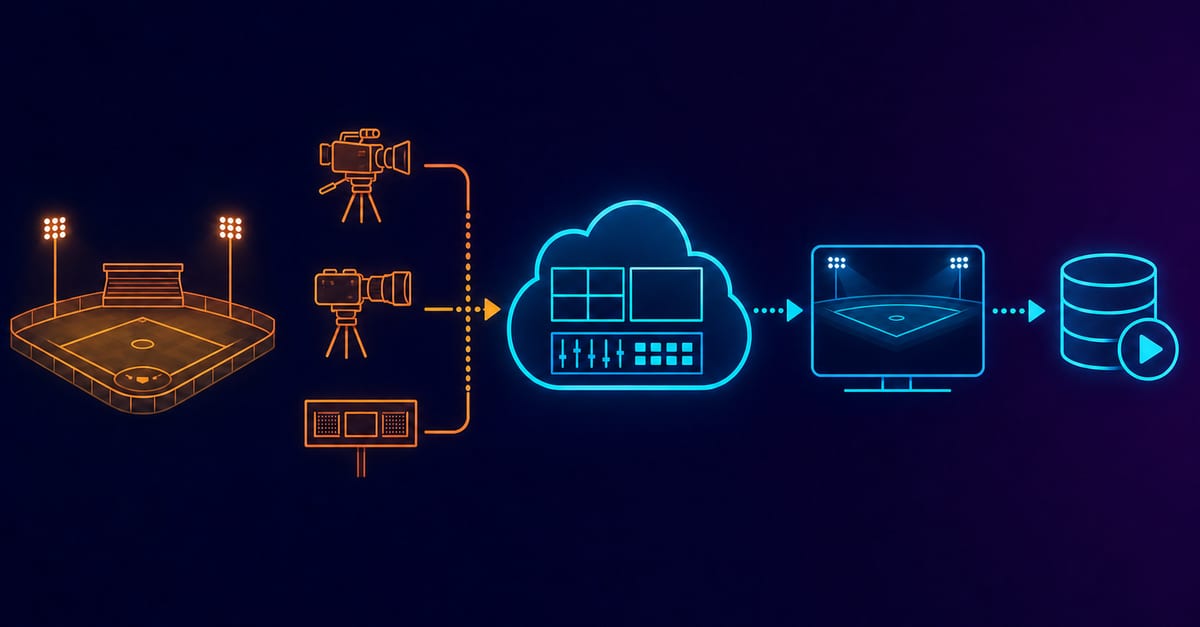
For a viewer-delivery path, this gateway is usually only step one:
- ingest the SRT stream with a gateway
- create an HLS origin or playback layer
- scale viewer delivery with CloudFront
The next page in that route is how to turn the ingest path into large-scale viewer delivery.
Final practical rule
Treat the SRT gateway as the controlled front door of the workflow. If ingest is unstable or poorly defined here, HLS origin and CDN delivery only inherit that instability at a larger scale.