SRT Protocol Guide: Modes, Latency & Recovery | Callaba
More live video workflow notes and product updates.

SRT protocol field guide
Move contribution video through imperfect networks without guessing
Secure Reliable Transport, or SRT, carries live video over UDP while recovering packets that arrive late or go missing. The useful question is not simply “does this device support SRT?” It is whether both peers agree on connection mode, port, latency, encryption and stream identity—and whether an operator can see the path working.
What SRT changes—and what it does not
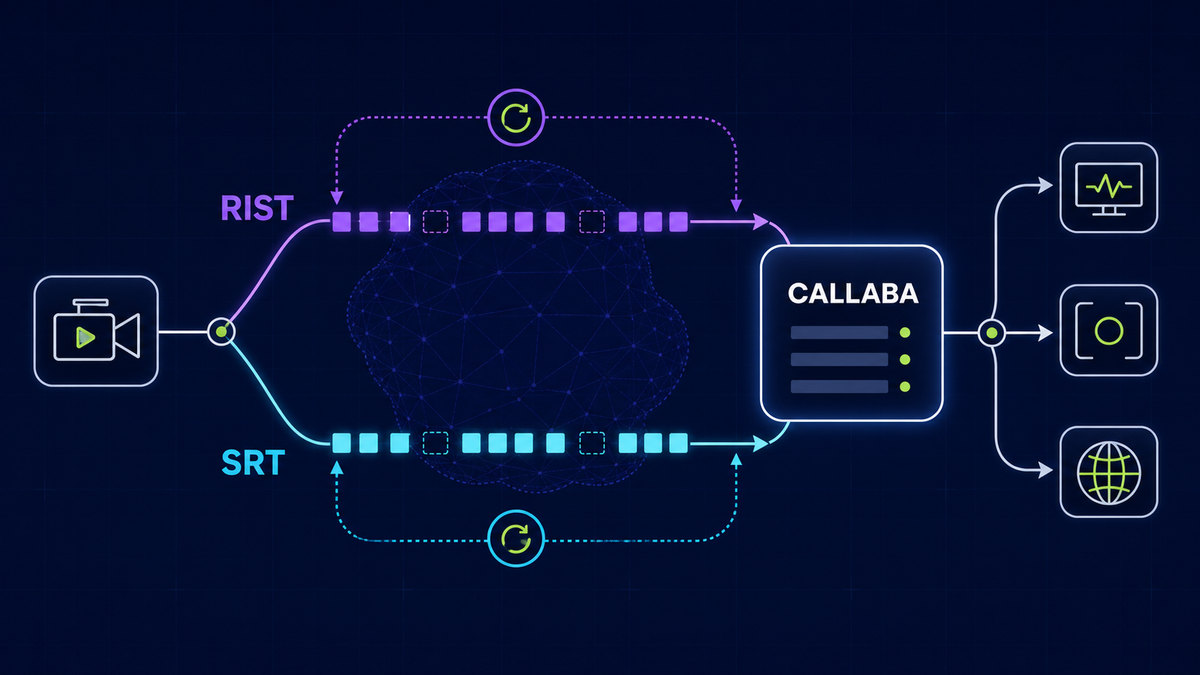
SRT adds packet sequence tracking, retransmission, timing and optional AES encryption around a live stream. It is particularly useful for contribution across public internet, cellular and managed WAN links where packet loss and jitter cannot be eliminated. It does not repair a saturated uplink, invent missing encoder frames or guarantee that a downstream decoder supports the payload inside the stream.
The media payload is commonly MPEG-TS containing H.264 or HEVC video and one or more audio tracks. Confirm that payload separately from the SRT connection. A socket can be connected while the selected decoder still cannot play the codec, audio format or program layout.
Choose the connection mode from the network reality
Listener
The peer waits on a reachable UDP port. Use this role on the side with a known public address, port forwarding or a cloud security rule.
Needs an inbound UDP pathCaller
The peer initiates the session toward a Listener. This is often the simpler role for a field encoder behind NAT.
Needs the Listener address and portRendezvous
Both peers attempt to establish the connection. It can help in carefully controlled environments, but it is not a substitute for understanding firewalls and NAT.
Test both networks before the eventCaller and Listener describe how the socket is established; they do not mean “publisher” and “receiver.” Either direction can carry a publishing or receiving role depending on the application. Write down both dimensions so a technician does not reverse the media direction while fixing connectivity.
Size latency from the path, then observe it
SRT needs time to request and receive lost packets. A latency value that is too small cannot absorb the round-trip delay and jitter of the real path. A value that is unnecessarily large increases glass-to-glass delay. Begin with a measured round-trip time under representative load, allow room for retransmission and then validate during a long test—not during the opening minute of the event.
Security has two separate jobs
Encrypt the transport
Use a matching SRT passphrase and key length on both peers. This protects media on the wire, but a copied connection URL or shared passphrase can still be misused.
Control who may connect
Restrict allowed publishers and receivers, assign deliberate Stream IDs, limit exposed ports and rotate credentials. Treat connection metadata as access material.
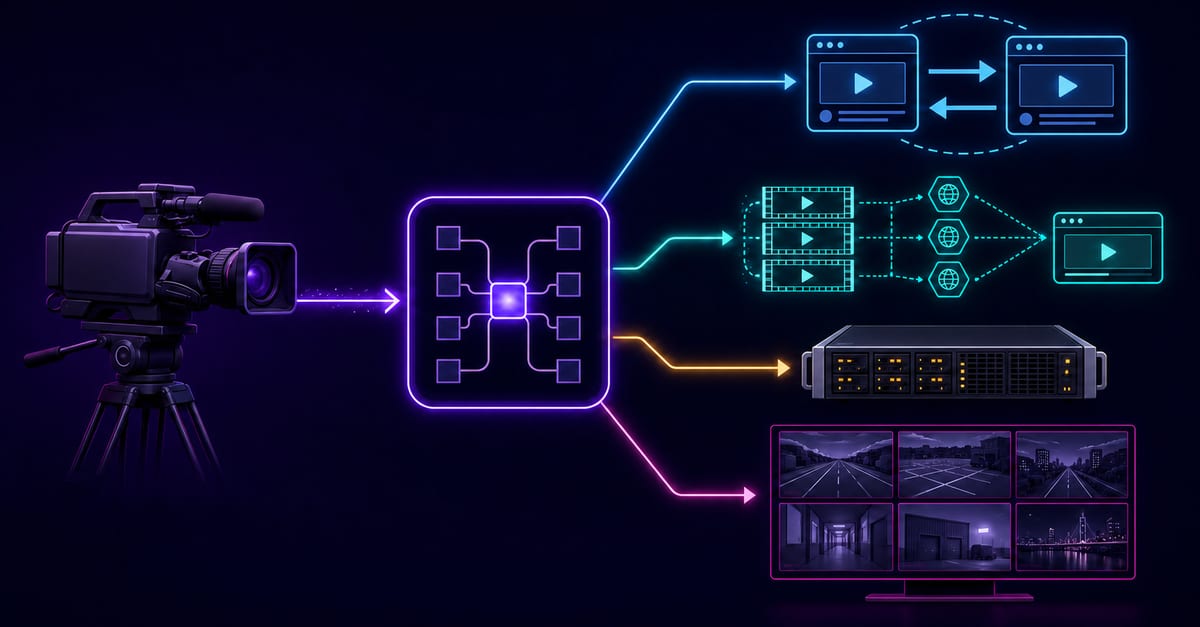
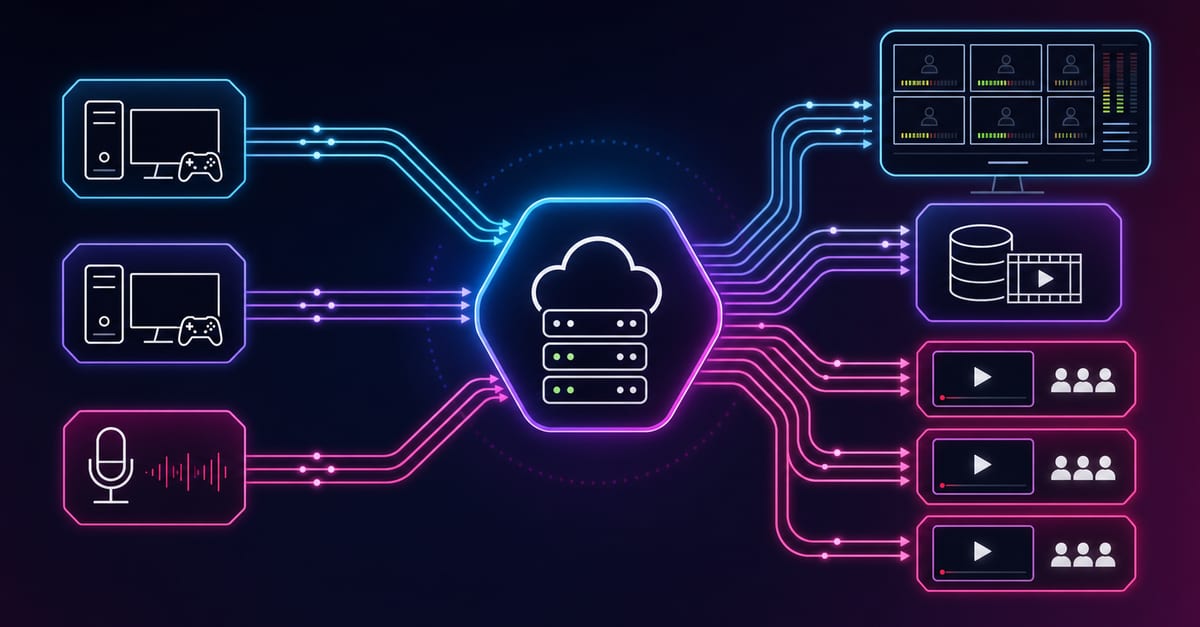
Callaba can expose publisher and receiver state, peer address and region, transport metrics, routing, recording, Multiview and manual or automatic failover in one browser interface. Those are product operations layered around the SRT transport; they are not properties of the protocol itself.
Use the page that matches your next decision
This page explains the SRT protocol and how to design a contribution link. Go to Callaba SRT Server to evaluate the managed product, cloud and self-hosted deployment, access control, metrics, failover and routing. Use the SRT-to-UDP walkthrough for a specific route, or open the SRT Server API reference when the visual configuration is already proven.
The open-source SRT project and its socket option reference are the authoritative starting points for protocol and option details.
Prove one SRT path, then build the production system around it
Make connection state and decoded media visible first. Add alternate routes, recording, outputs and automation only after that simple path survives the test conditions your event will face.