How Live Streaming Works in Production
More live video workflow notes and product updates.

Live streaming sends video from a camera or production encoder to viewers while the event is still happening. A production workflow is more than a player and an upload button: it is a chain of capture, encoding, ingest, routing, transcoding or packaging, delivery, playback, monitoring and recovery.
This guide explains how that chain works, which protocols belong at each stage, what to measure, and how to prevent a small ingest problem from becoming a viewer-wide outage.
How live streaming works
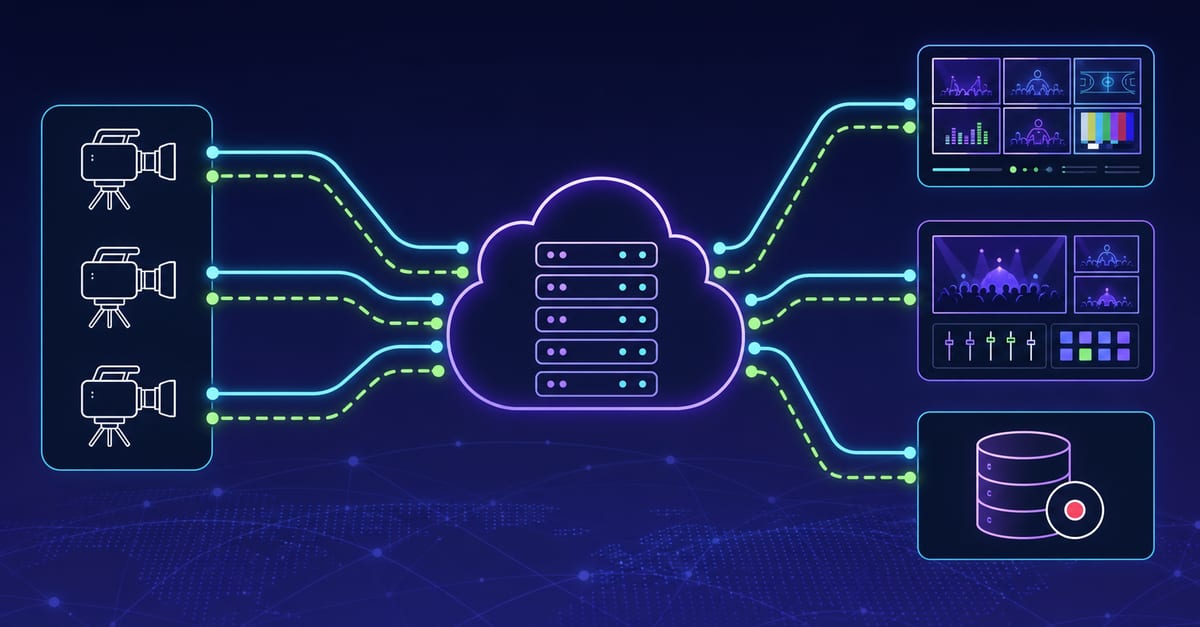
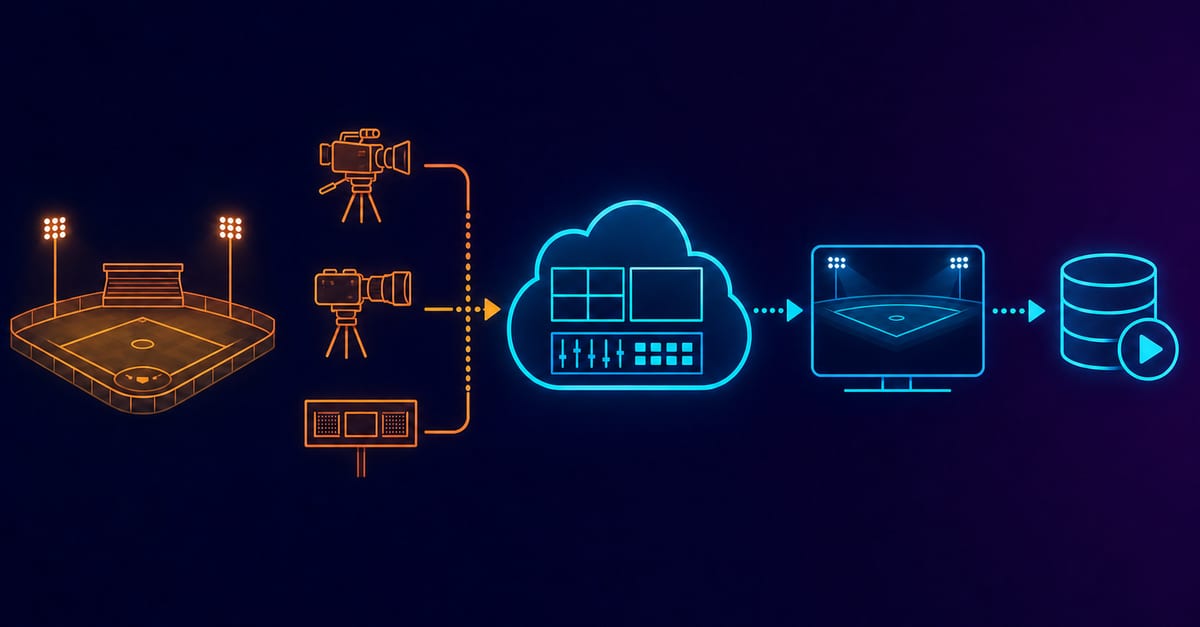
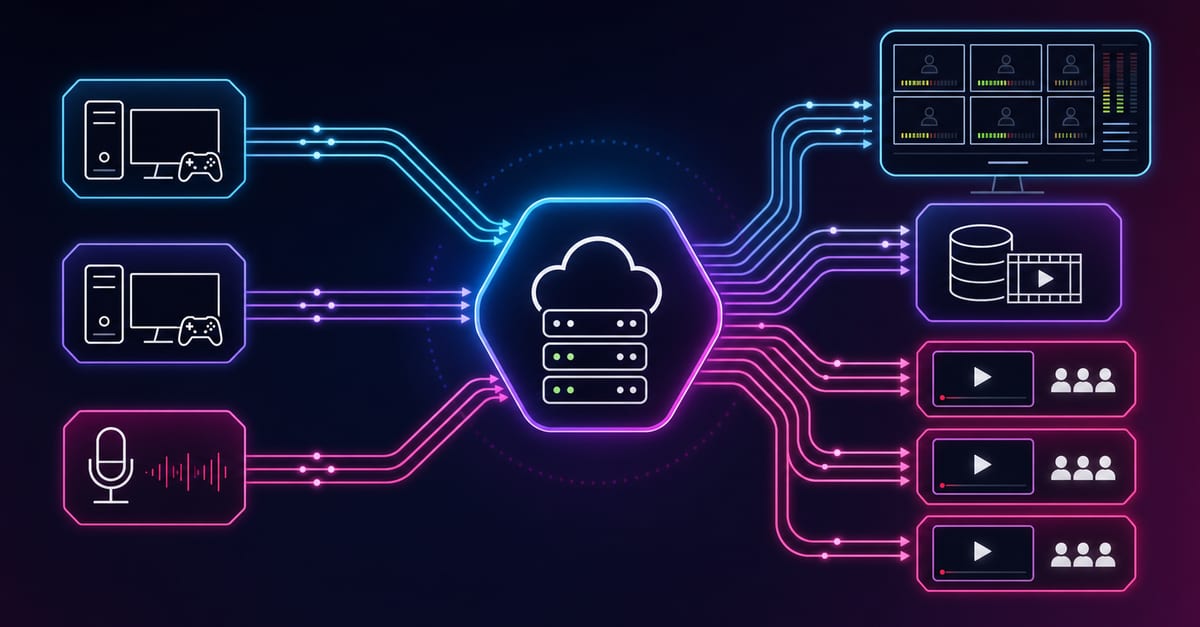
- Capture: cameras, screen sources and audio devices produce the live program.
- Encode: a hardware or software encoder compresses the program into a codec, bitrate, resolution and frame-rate profile.
- Ingest: the encoder publishes one contribution feed with SRT, RTMPS, RIST or another supported transport.
- Route and process: the platform validates the feed, creates renditions when required, records it, and fans it out to destinations.
- Package and deliver: WebRTC, LL-HLS, HLS or another playback path carries the program to viewers directly or through a CDN.
- Play and observe: the player buffers and renders the stream while operators watch ingest health, delivery errors and audience experience.
Each stage consumes part of the latency and reliability budget. Optimizing only the encoder cannot compensate for a player with a large buffer, and a low-latency player cannot repair an unstable contribution path.
Choose contribution and delivery separately
Contribution is the path from the production source to the platform. Delivery is the path from the platform to the audience. They solve different problems and do not need to use the same protocol.
| Need | Typical option | Trade-off to verify |
|---|---|---|
| Resilient internet contribution | SRT or RIST | Recovery latency must match RTT, jitter and loss. |
| Broad encoder compatibility | RTMPS | Simple ingest does not provide the same loss recovery controls as SRT. |
| Interactive viewer experience | WebRTC | Sub-second delivery adds signaling, scaling and network complexity. |
| Large audience near live | LL-HLS | Player, packager and CDN behavior must be tested together. |
| Maximum playback reach and cache efficiency | HLS | Higher delay may be acceptable for a passive audience. |
For a focused delay decision, use the low-latency streaming architecture guide. For contribution over unreliable networks, review the SRT contribution workflow.
Set measurable service targets
Write the target before choosing a protocol or provider. At minimum, define:
- glass-to-glass latency and acceptable tail latency;
- startup time and rebuffer ratio by device and geography;
- encoder dropped frames, ingest bitrate variance, packet loss and RTT;
- allowed interruption time and recovery-time objective;
- required resolution, frame rate and audio layout;
- concurrent viewers, destinations and recording retention;
- access, monetization, moderation and compliance requirements.
Averages alone hide event risk. Track percentiles and cohorts: a healthy median can coexist with a broken region, device family or ISP.
Design the encoder profile around the real scene
Validate the profile with the same motion, graphics, browser sources and audio routing used during the event. A static talking-head test does not prove that a sports scene or screen-share workflow will remain stable.
- Keep upload headroom instead of saturating the available connection.
- Match GOP and keyframe settings to the destination requirements.
- Use a bitrate ladder that reflects actual audience devices and bandwidth.
- Measure CPU or GPU headroom while recording and streaming together.
- Version known-good profiles and freeze nonessential changes before go-live.
Use the bitrate calculator for initial capacity planning, then prove the result with a sustained test.
Build recovery into the architecture
A reliable stream has a documented response for source loss, network loss, destination failure and player degradation.
- Prepare a backup contribution path that does not depend on the same network failure domain.
- Monitor the primary and backup before the event rather than discovering a broken standby during an incident.
- Define whether failover is automatic or operator-controlled and who owns the decision.
- Keep a safe fallback profile for weak devices or unstable delivery paths.
- Rehearse destination credential expiry and one-destination failure without stopping every output.
For recurring channels, treat configurations as release artifacts: owner, version, test evidence, alert thresholds and rollback instructions should travel together.
Monitor the complete viewer path
Ingest health is necessary but not sufficient. An encoder can remain connected while viewers experience a failed manifest, slow segment delivery, decoder errors or excessive buffering.
- Source: capture frame rate, audio continuity and encoder load.
- Contribution: connected state, incoming bitrate, RTT, loss, retransmissions and late packets.
- Processing: queue depth, rendition errors, timestamp continuity and recording status.
- Delivery: origin errors, CDN cache behavior, request latency and regional failures.
- Playback: startup time, rebuffering, fatal errors, live-edge distance and A/V sync.
Run an independent playback probe. A green ingest dashboard should never be the only proof that a broadcast is live.
Production preflight checklist
- Run a test at the planned bitrate and duration from the real venue or network.
- Confirm every destination, token expiry time and privacy state.
- Validate the player on representative mobile, desktop and TV devices.
- Trigger one controlled failure and verify recovery plus alerts.
- Check recording, captions, graphics, audio channel mapping and sync.
- Record the release owner, rollback owner and escalation channel.
Generate a repeatable test video and use the streaming quality check before opening the event to viewers.
When a managed routing layer helps
A routing layer is useful when one tested ingest must feed several platforms, recordings or playback workflows without asking the production encoder to create a separate upload for every destination. It centralizes destination control, observability and recovery while keeping the source configuration smaller.
Use Callaba Multi-Streaming to fan out one live input to multiple destinations and manage the distribution path. For infrastructure ownership requirements, the self-hosted option is a separate deployment choice rather than a duplicate streaming workflow.
FAQ
What is live streaming?
Live streaming is the continuous capture, encoding, transport and playback of video while the event is happening. Production systems also include routing, monitoring, recovery and access controls.
Which protocol is best for live streaming?
There is no single best protocol. SRT or RTMPS may carry contribution, while WebRTC, LL-HLS or HLS serve different viewer latency and scale requirements.
How much upload speed does a live stream need?
The connection needs more capacity than the configured video and audio bitrate. Leave operational headroom and test sustained performance, jitter and loss rather than relying on one speed-test result.
How do I make a live stream more reliable?
Use a proven encoder profile, an independent backup path, end-to-end monitoring, rehearsed failover and a tested fallback for weak networks or devices.
Can one encoder stream to several platforms?
Yes. A routing or multistreaming service can receive one contribution feed and fan it out to several platforms, reducing local upload and operational complexity.
Final production rule
Optimize the whole chain, not one protocol. Define the viewer outcome, measure every stage, rehearse a failure, and only then promote the workflow to production.