How To Start Streaming On Twitch
More live video workflow notes and product updates.

Starting on Twitch is not just pressing Go Live. A reliable stream needs a repeatable workflow for ingest, encoding, moderation, and recovery when network conditions change. This guide gives a production-first path that small teams can run without chaos. Before full production rollout, run a Test and QA pass with Generate test videos and streaming quality check and video preview. Before full production rollout, run a Test and QA pass with a test app for end-to-end validation.
What this guide solves
Most beginner checklists miss the operational layer. Teams often launch with unstable bitrate, no backup route, and no clear runbook for packet loss events. The result is dropped frames, audio drift, and weak watch time. Here we focus on setup decisions that reduce incidents and improve consistency.
Who should use this workflow
- Creators and operators launching recurring live shows.
- Production teams that need stable quality across different network conditions.
- Technical leads building a repeatable live pipeline for growth.
Architecture in plain terms
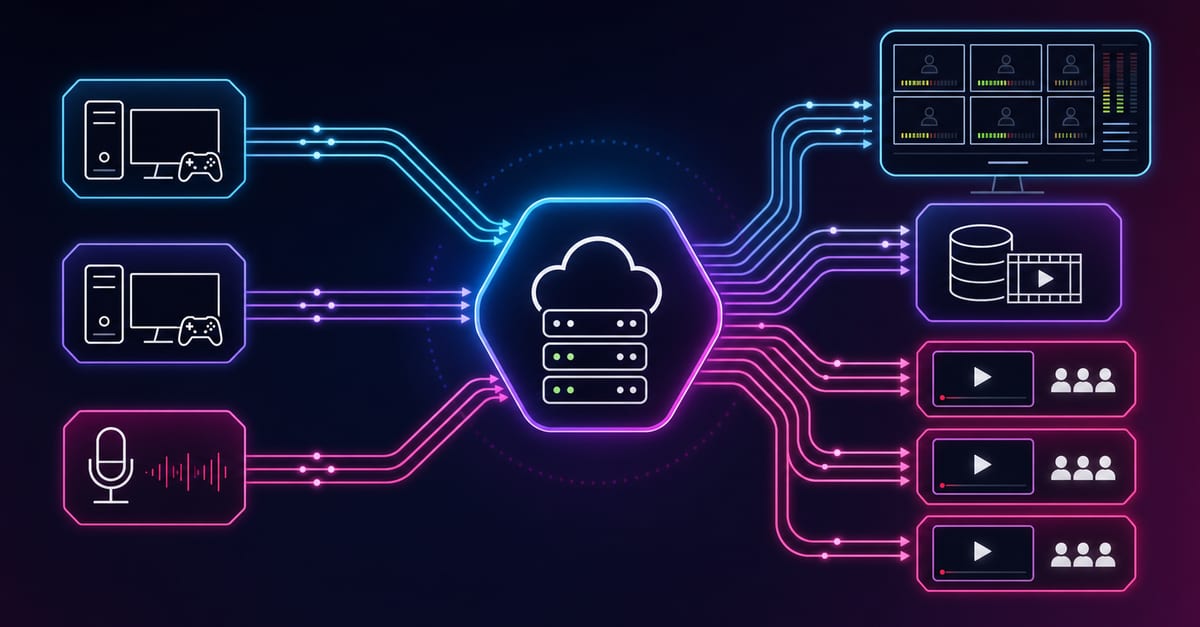
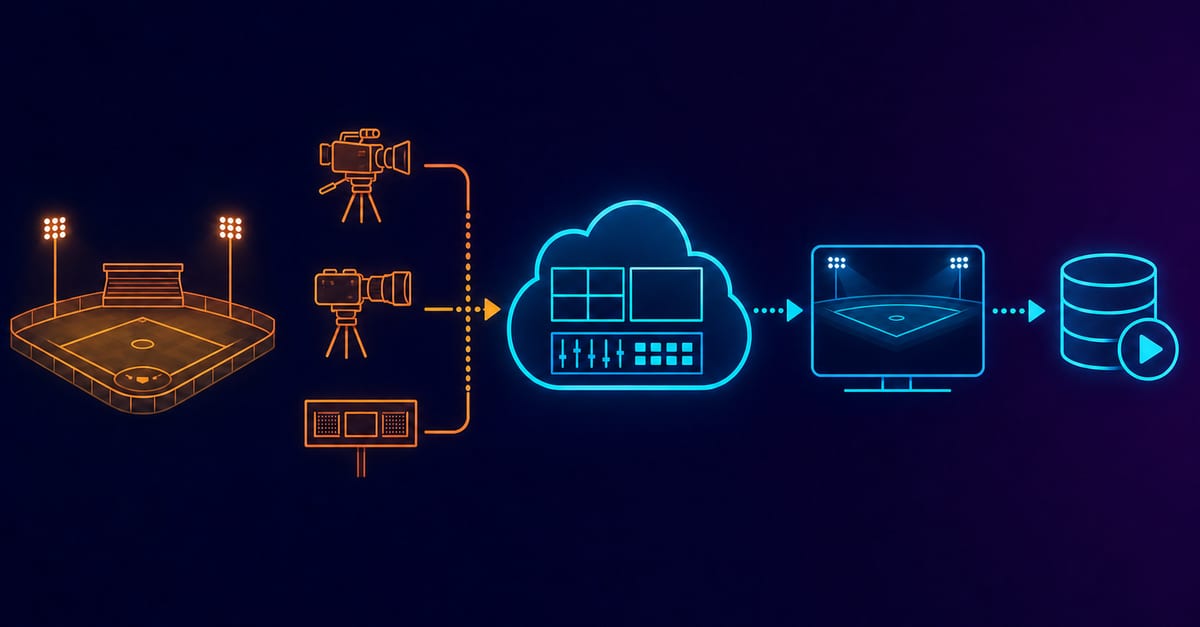
Use a simple chain first: source in OBS, contribution to your ingest point, controlled transcoding profile, and playback path optimized for audience devices. For a full ingest and fan-out setup, start with Ingest and route. For playback and embedded distribution, use Player and embed. If you automate provisioning and stream lifecycle, wire operations through Video platform API.
Step by step setup
- Define your stream profile. Start with 1080p30 or 720p60 depending on motion and upload stability. If you need a deeper baseline for settings, review best OBS settings.
- Set encoder and audio discipline. Keep stable keyframe interval and avoid profile changes during live sessions. For audio planning and tradeoffs, see audio bitrate.
- Validate path behavior before launch. Run a 20 to 30 minute rehearsal and track RTT drift, packet loss, and reconnect behavior. For practical RTT interpretation, use round trip delay. For packet health signals, use SRT statistics.
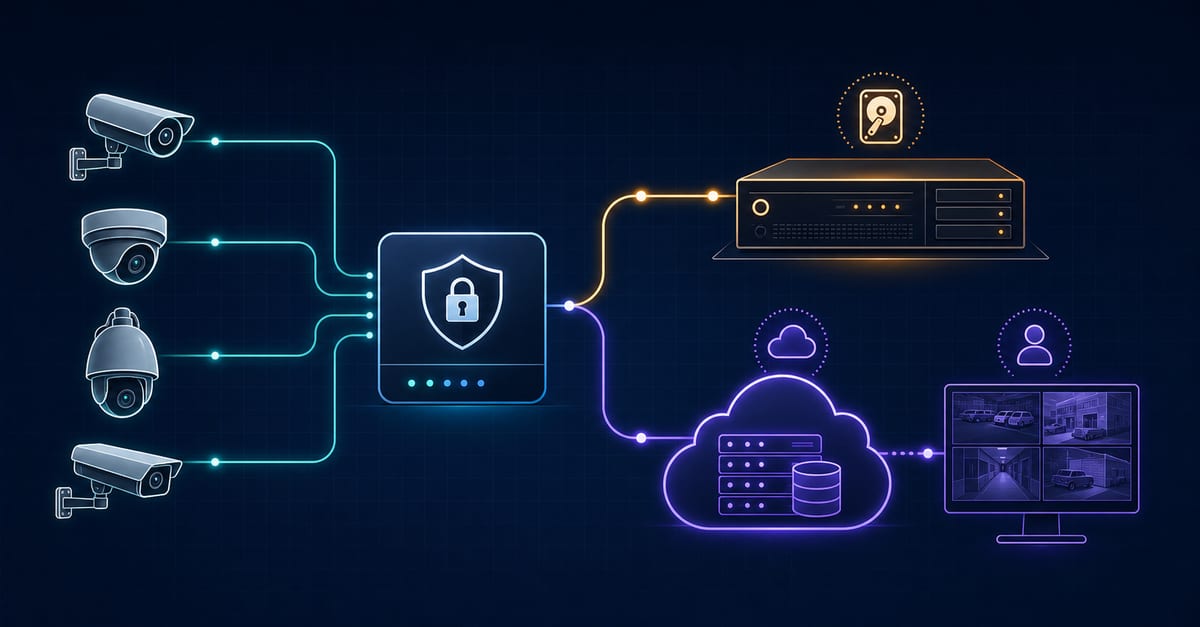
- Prepare backup and failover. Configure primary and backup contribution and test the trigger logic. A concrete backup pattern is described in SRT backup stream setup.
- Publish with moderation and recovery runbook. Define who owns chat moderation, stream restart rules, and rollback actions during incidents.
Practical example you can run today
Scenario: weekly 90-minute gaming talk show with two hosts and one remote guest.
- Profile: 1080p30, stable AAC audio, fixed scene collection.
- Contribution: OBS to managed ingest with a tested backup route.
- Distribution: Twitch primary plus website player for owned audience traffic.
- Monitoring: operator watches RTT trend and packet loss counters every 5 minutes.
- Fallback: if loss exceeds threshold, switch to backup contribution and lower ladder immediately.
This pattern works because it separates failure domains. OBS handles source control, ingest handles transport resilience, and playback delivery remains stable even during transient network issues.
Common mistakes and fixes
Mistake 1: One profile for every show
Fix: Keep at least three profiles: low-motion talk show, high-motion gameplay, and guest-heavy panel.
Mistake 2: No rehearsal with real overlays
Fix: Always run a full rehearsal with actual graphics, audio chain, and scene transitions.
Mistake 3: No tested backup contribution
Fix: Include backup activation in your pre-show checklist and verify switching with live operators.
Use the bitrate calculator to size the workload, or build your own licence with Callaba Self-Hosted if the workflow needs more flexibility and infrastructure control. Managed launch is also available through AWS Marketplace.
Rollout checklist
- Run a 30-minute soak test with full graphics and audio chain.
- Validate backup route activation and operator runbook.
- Test playback from at least two regions and two device classes.
- Simulate packet loss at controlled levels and confirm recovery time.
- Freeze profile versions before event day.
How to scale after first success
When your baseline is stable, expand carefully: add destination fan-out, improve analytics, and automate repetitive operator steps. For teams planning 24/7 channels, map the same control logic to 24/7 streaming channels. For monetized events, combine stream operations with Paywall and access.
FAQ
Do I need expensive hardware to start
No. Reliability comes more from profile discipline, monitoring, and tested failover than from overpowered hardware in the first stage.
Should I prioritize quality or stability first
Stability first. A consistent stream with predictable behavior outperforms occasional peak quality with frequent interruptions.
What is the fastest way to improve outcomes
Standardize your pre-show checklist, rehearse with real assets, and track transport metrics in every rehearsal and live session.