Obs Meaning
More live video workflow notes and product updates.

OBS meaning is a terminology question that usually appears before a practical setup decision. Teams and creators ask it when they need to understand what OBS is, what it is not, and how it fits into a real production workflow.
This guide explains the term in plain language, then connects it to day-to-day streaming operations, quality targets, and beginner-safe rollout steps. Before full production rollout, run a Test and QA pass with a test app for end-to-end validation. For this workflow, Paywall & access is the most direct fit.
What OBS means and where it fits
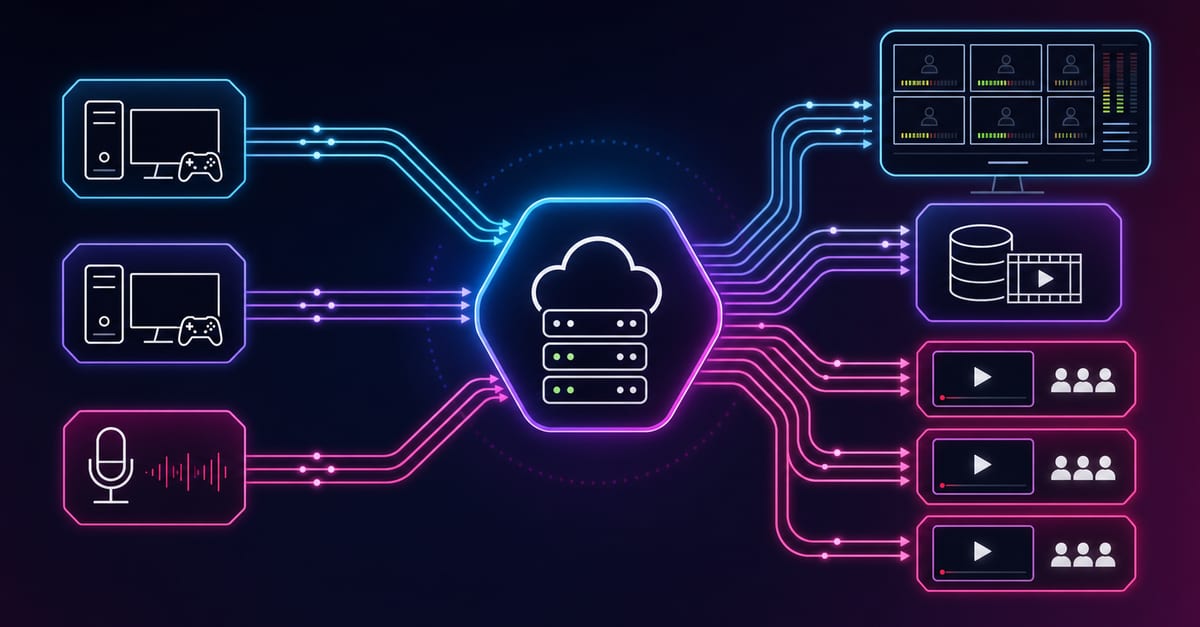
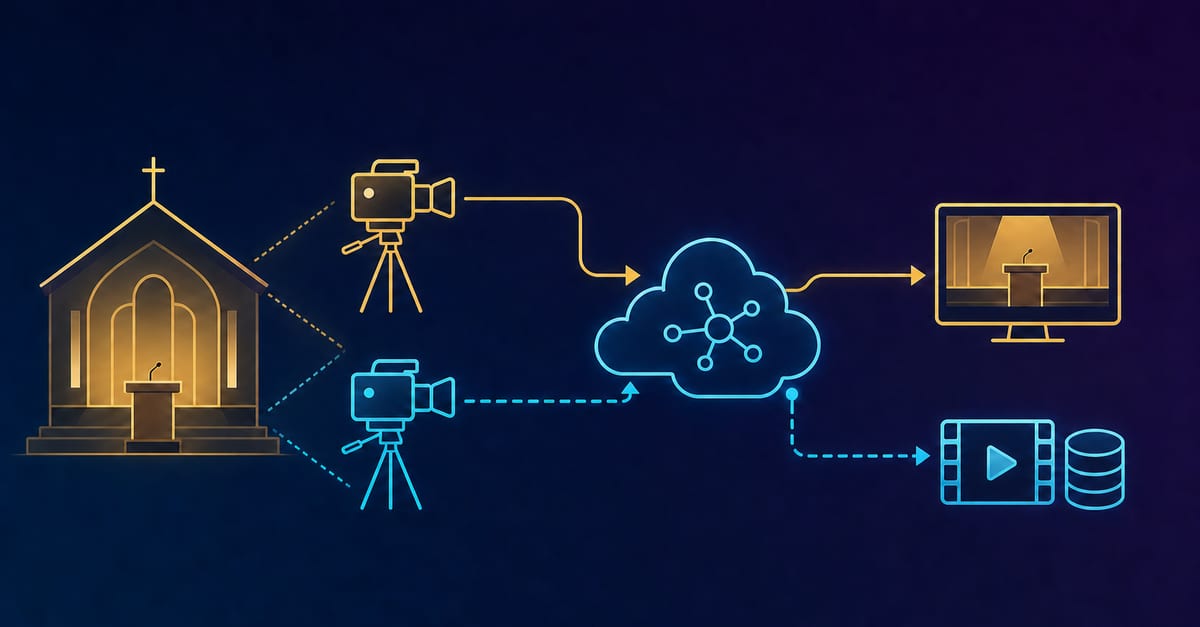
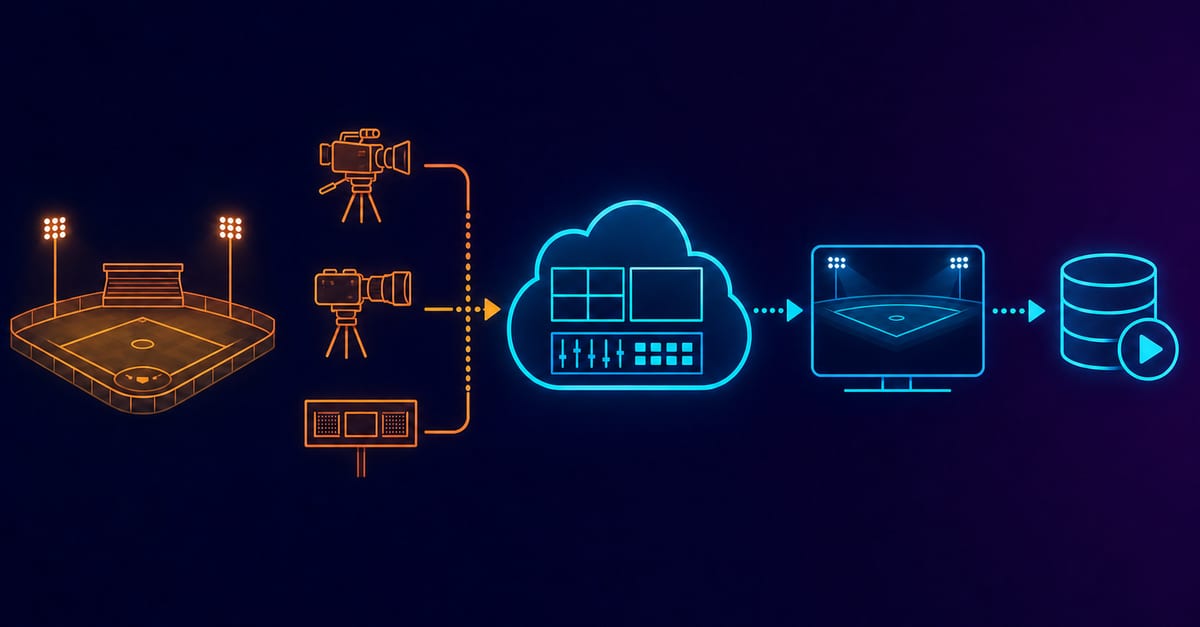
OBS means Open Broadcaster Software. In production terms, it is a live video production and encoding application used to compose scenes, mix audio/video sources, and send output to streaming endpoints. The important part is not the acronym itself but the operational role: OBS is the control surface for capture and encoding decisions.
When teams misuse the term, incidents follow. A common mistake is treating OBS as a full platform instead of one layer in the chain.
Term-to-action decision guide
- Define OBS as a production tool, not a distribution platform.
- Map OBS responsibilities: scene composition, encoding profile, output routing.
- Map non-OBS responsibilities: viewer auth, CDN delivery, playback analytics.
- Document which settings are allowed to change during live sessions.
This separation keeps troubleshooting faster because the team knows whether an issue belongs to encoder, transport, or delivery layers.
Operational context and latency budget
OBS settings influence startup stability, frame pacing, and compression artifacts, but they do not alone determine viewer reliability. You still need transport and delivery checks.
- For contribution and delay analysis, use round trip delay.
- For transport diagnostics, monitor SRT statistics.
- For backup path rehearsal, validate SRT backup stream setup.
- For profile planning, estimate capacity with bitrate calculator.
Practical recipes for newcomers
Recipe 1 first successful stream with OBS
Start with a conservative preset and one scene collection. The goal is completion with stable playback, not maximum visual quality.
- Use one source per scene where possible.
- Freeze bitrate and GOP settings for the entire session.
- Record final working values after the run.
Recipe 2 repeatable checklist for teams
Convert one successful run into a reusable checklist. This is the fastest way to reduce onboarding variance.
- Create preflight checks for audio levels and dropped frames.
- Create in-session checks for stability every 10 minutes.
- Create post-run checks for log review and improvement items.
Recipe 3 controlled quality tuning
Tune one parameter per rehearsal. Multi-variable tuning hides root causes and leads to unstable baselines.
- Adjust bitrate first, then retest.
- Adjust output resolution second, then retest.
- Adjust encoder complexity only after stable two-session baseline.
Configuration targets for early-stage teams
- Single baseline profile for first 2 to 3 streams.
- Explicit safe range for bitrate and output resolution.
- One backup scene collection with reduced complexity.
- Written rollback values for every changed parameter.
These targets reduce cognitive load and keep incident response predictable for small teams.
Limits and trade-offs
OBS can produce excellent output, but more scene complexity and aggressive settings increase risk during long sessions. Reliability often improves when teams accept slightly lower peak detail in exchange for continuity.
Another trade-off is operational maturity: advanced scene automation helps only when ownership and runbooks are already solid.
Common mistakes around the term OBS
Mistake 1 thinking OBS equals streaming platform
Fix: separate encode tool responsibilities from distribution and playback responsibilities.
Mistake 2 changing settings during live panic
Fix: allow only pre-approved fallback changes during incidents.
Mistake 3 no shared vocabulary
Fix: keep a glossary and incident label guide so support and ops use the same terms.
Rollout checklist
- Run 30-minute rehearsal with real overlays and audio path.
- Validate startup, continuity, and encoder stability.
- Test backup scene collection and reduced profile fallback.
- Log all manual steps and remove ambiguity from checklist.
- Approve one baseline profile for next public session.
Before the first public rollout, run a QA pass with Generate test videos and streaming quality check and video preview.
Implementation patterns
Creator baseline pattern
Use OBS for scene and encode control, and externalize delivery through Ingest and route plus Player and embed.
Team automation pattern
Use Video platform API to standardize session lifecycle, metadata, and post-event processing around OBS output.
Use the bitrate calculator to size the workload, or build your own licence with Callaba Self-Hosted if the workflow needs more flexibility and infrastructure control. Managed launch is also available through AWS Marketplace.
Use pricing references such as CloudFront pricing only after you define real audience and bitrate profiles.
Operational KPI baseline for OBS workflows
Use a compact KPI set after every session so improvements are measurable and repeatable. You do not need a huge dashboard to improve reliability.
- Startup success rate and median first-frame time.
- Dropped-frame ratio by scene type and event segment.
- Time to recover after switching to a fallback profile.
- Count of unplanned live setting changes.
If unplanned changes increase, reduce scene complexity and lock baseline settings for at least two sessions before new tuning.
Team runbook snippet
Keep this runbook short enough to execute under pressure:
Preflight: check sources, levels, baseline profile, backup scene
Live: monitor dropped frames and buffer alerts every 10 min
Incident: switch to fallback profile, confirm recovery, log action
Post: export notes, capture one improvement, assign owner
Most OBS incidents are not caused by missing features. They are caused by unclear ownership and inconsistent execution.
Next step
Turn the OBS definition into a one-page team standard: term, role, safe settings, fallback steps, and owner. Rehearse it once before every important stream.
FAQ
Is OBS free to use?
Yes, OBS is free software. Operational cost still exists in setup, testing, and support effort.
Does OBS replace a video platform?
No. OBS handles composition and encoding. Delivery, access control, and analytics require platform components.
What should beginners optimize first?
Optimize stability first: consistent startup, no major dropped frames, and clean fallback procedure.