How To Stream
More live video workflow notes and product updates.

How to stream reliably is not about pressing one Go Live button. For production teams, streaming is an operations workflow that combines contribution quality, routing stability, playback behavior, and incident response. This guide gives a practical deployment sequence with configuration guardrails and measurable checks. Before full production rollout, run a Test and QA pass with Generate test videos and streaming quality check and video preview. Before full production rollout, run a Test and QA pass with a test app for end-to-end validation.
What this article solves
Many teams start streaming with ad hoc settings and then hit recurring failures: unstable bitrate, broken audio sync, delayed start, or platform-specific playback issues. The root cause is usually missing standardization, not a single bad tool. You need one repeatable method from source to viewer session.
Define your streaming target before selecting tools
- Delivery mode: public live, private event, paywall, or hybrid.
- Latency class: conversational, interactive, or broadcast-style.
- Quality baseline: resolution, frame rate, and acceptable rebuffer tolerance.
- Operational SLOs: startup time, stream availability, incident recovery time.
Without clear targets, teams overfit settings to one test session and fail in production load.
Reference architecture for stable streaming
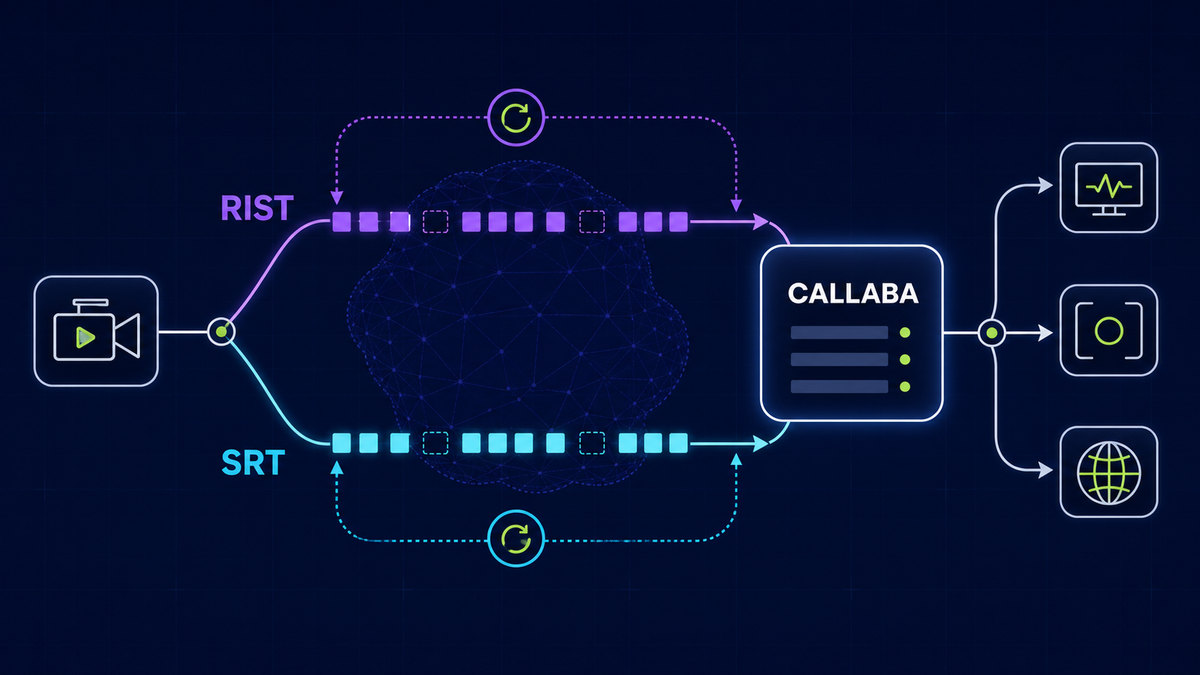
Use a layered model: encoder contribution, routing and fanout, playback and access control, then analytics and recordings. This decouples failure domains. If one destination fails, your ingest can stay alive and other outputs continue.
- Contribution layer handles source capture and primary encode.
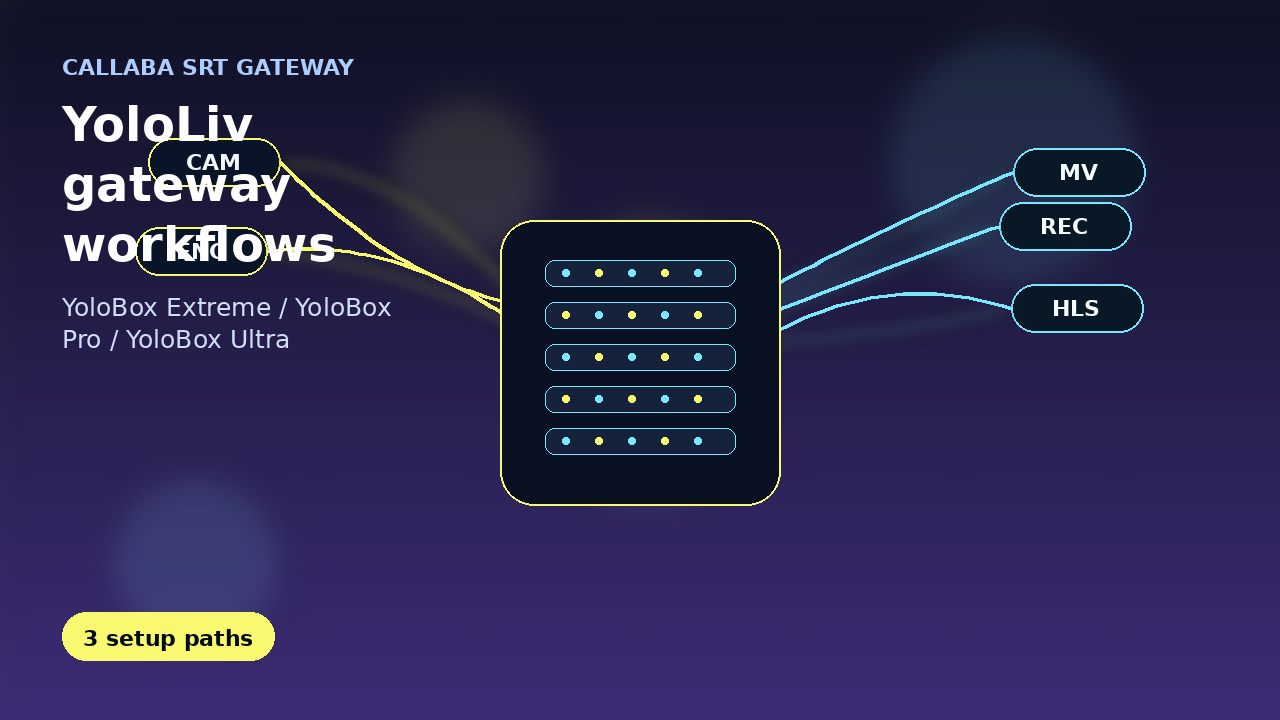
- Routing layer handles multi-destination delivery and backup switching.
- Playback layer handles player behavior, adaptive quality, and authorization.
- Observability layer tracks packet loss, dropped frames, rebuffer, and session quality.
Protocol strategy that matches real network conditions
Use SRT for contribution over unstable or long-haul networks where retransmission control matters. Use RTMP for compatibility with legacy destinations. For low-latency browser playback, use WebRTC where interactive response is required. For wide-scale playback, use HLS with adaptive bitrate and controlled player buffering.
Configuration baseline
- Lock encoder profile by content class instead of event-by-event changes.
- Set GOP and keyframe interval policy aligned with packaging constraints.
- Set bitrate limits from measured uplink budget, not nominal ISP speed.
- Standardize audio sample rate and loudness target for predictable playback.
- Use tested ABR ladder presets and version them like application config.
Preflight checklist before every stream
- Run a full-scene test for at least ten minutes.
- Verify source timing, overlays, and audio route consistency.
- Validate primary and backup contribution paths.
- Confirm destination auth tokens and platform health status.
- Ensure alerting and incident ownership are clear.
Most common mistakes
- Mistake: tuning for minimum latency without tail stability checks.
Fix: reduce buffers gradually and watch rebuffer and loss recovery metrics. - Mistake: manual per-event encoder edits.
Fix: enforce versioned profile presets and change approvals. - Mistake: no fallback route testing.
Fix: execute controlled failover drills in staging and selected live windows.
Product mapping
For implementation, start with Ingest and route, continue with Player and embed, and use Video platform API for automation. For monetized events, include Paywall and access.
Use the bitrate calculator to size the workload, or build your own licence with Callaba Self-Hosted if the workflow needs more flexibility and infrastructure control. Managed launch is also available through AWS Marketplace.