Live Streaming Software
More live video workflow notes and product updates.

Use the bitrate calculator to size the workload, or build your own licence with Callaba Self-Hosted if the workflow needs more flexibility and infrastructure control. Managed launch is also available through AWS Marketplace.
What problem this article solves
Teams often pick tools by feature list only, then discover issues under real load: unstable bitrate, delayed playback, fragile failover, and expensive troubleshooting. The goal here is to map requirements to a workable architecture and a repeatable runbook.
How to choose software the right way
- Define the latency target first. Sub second interactivity, low latency broadcast, and classic OTT have different protocol and player requirements.
- Match ingest and delivery protocols. SRT or RTMP for contribution, HLS/CMAF or WebRTC for playback based on audience and device support.
- Plan for failure before launch. Main and backup ingest, health metrics, and automatic failover are mandatory for production.
- Validate the full chain. Encoder, packager, CDN, player, and analytics must be tested together, not in isolation.
Reference architecture that works in production
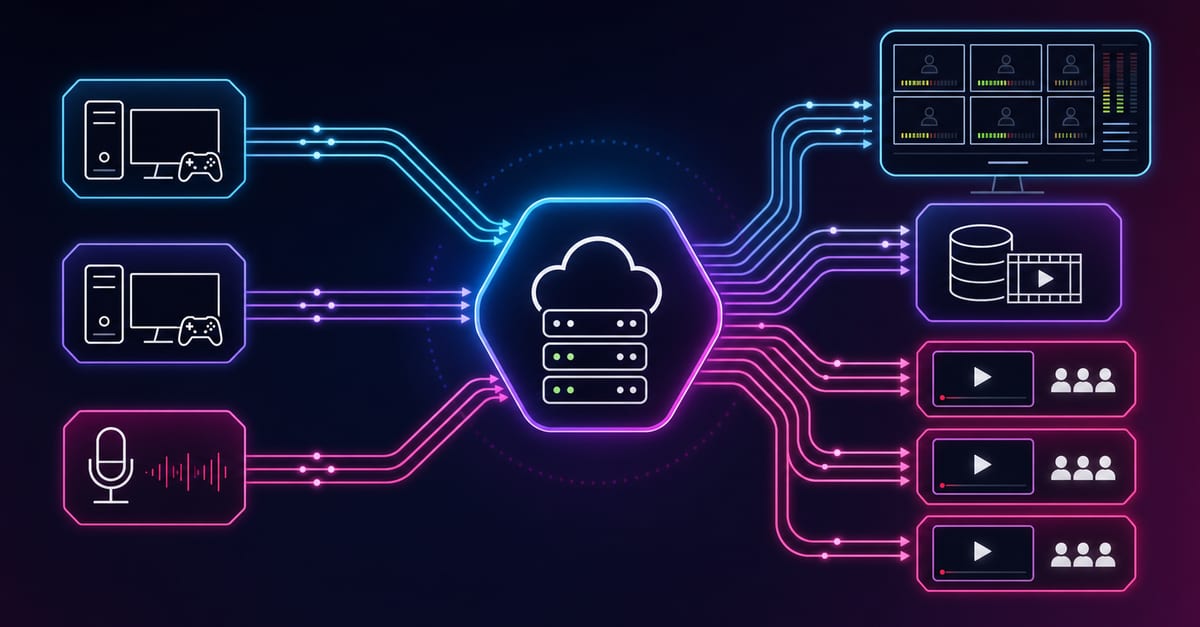
A reliable baseline is encoder to SRT ingest, then packaging to HLS/CMAF, then CDN delivery to web and mobile players. Add a parallel backup ingest and failover logic at the ingest layer. For long running channels and scheduled playback, combine this with HLS streaming in production: architecture, latency, and scaling guide.
- Contribution: SRT with tuned latency and packet recovery.
- Processing: transcoding ladder aligned to target devices and bandwidth.
- Packaging: short segment or chunked CMAF depending on latency target.
- Distribution: CDN with cache policy tuned for live manifests and media chunks.
- Observability: bitrate, RTT, packet loss, first frame time, rebuffer ratio, and error rate.
Common mistakes and fixes
- Mistake: using one profile for all networks. Fix: ship an ABR ladder and enforce sane encoder caps.
- Mistake: no failover drills. Fix: run scheduled failover tests and capture mean recovery time.
- Mistake: ignoring player metrics. Fix: track startup time, rebuffers, and watch time by region and device.
- Mistake: over tuning for lab conditions. Fix: test with real last mile constraints and packet loss scenarios.
Operational checklist before publishing
- Main and backup ingest are both verified.
- Alerting is configured for latency drift, packet loss spikes, and ingest disconnects.
- Player fallback behavior is tested for weak networks.
- Runbook documents triage order and rollback commands.
Next step
If your immediate goal is contribution stability, continue with Wowza. If your priority is browser playback latency, continue with What is WebRTC.