

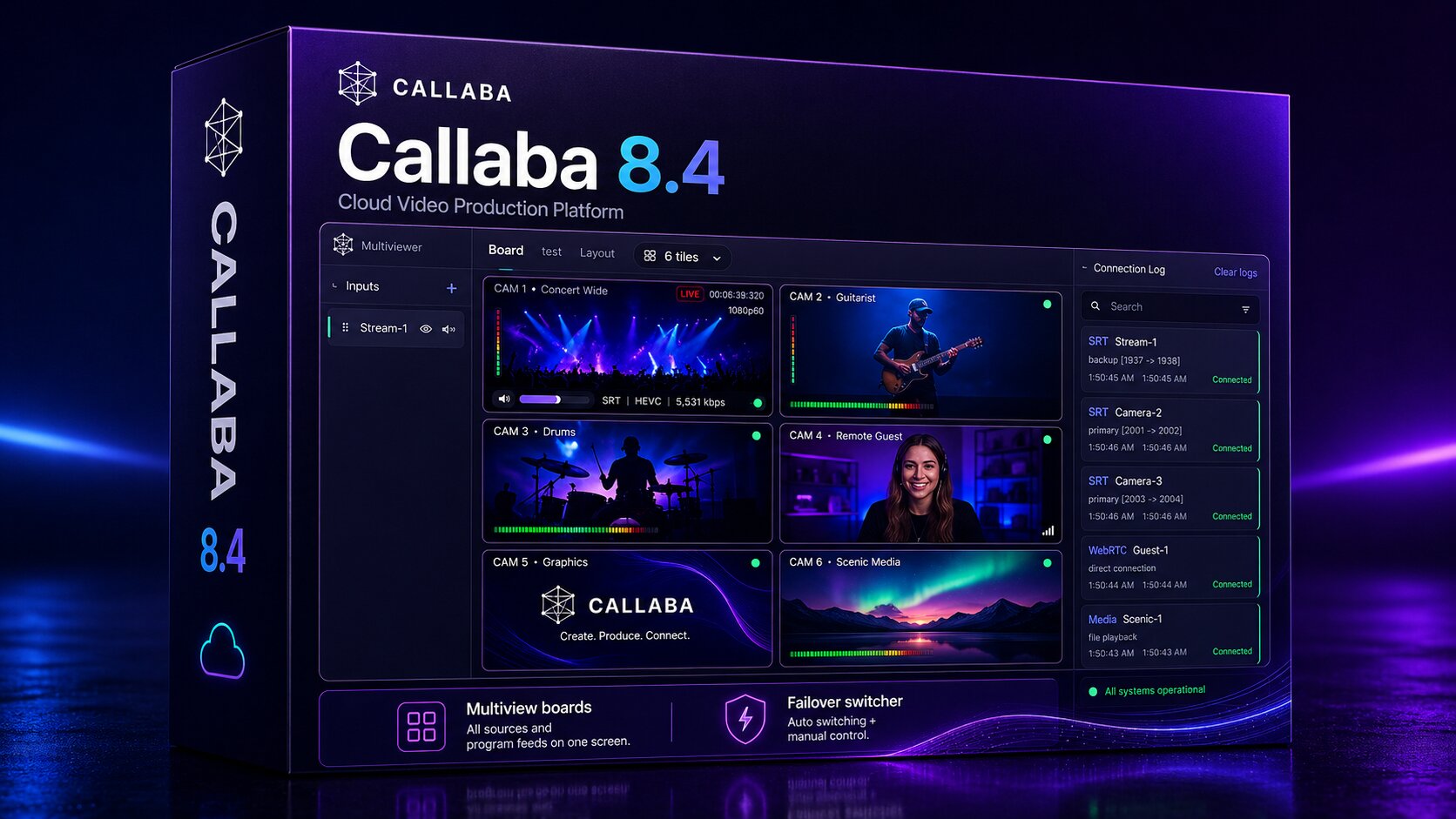
Callaba 8.4 is an important release for live production teams that use SRT contribution, cloud monitoring, and redundancy workflows.
This version adds two major building blocks: a browser-based multiviewer and a cloud failover switcher that can work in both automatic and manual mode. Together, they make it easier to send SRT streams into the cloud, monitor them in real time, and protect the final live output when the main source becomes unstable.
Quick answer: what is new in Callaba 8.4?
Callaba 8.4 adds a cloud multiviewer and a failover switcher for live SRT workflows. You can send SRT streams to Callaba, place them on multiview tiles, monitor them in the browser, and route the program through a switcher that can fail over automatically or be controlled manually by the operator.
The new workflow model
The basic production path in Callaba 8.4 looks like this:
SRT encoder → SRT gateway → multiview board → failover switcher → many destinations
This matters because the live production chain no longer has to depend only on local monitoring hardware, local preview tools, or manual checks on the production machine.
You can move monitoring and failover logic into a safer cloud or self-hosted environment, then send the final output to the destinations you need: social platforms, web players, recording workflows, internal previews, or downstream broadcast tools.
What we added in Callaba 8.4
Browser-based multiviewer for SRT streams
The new multiviewer lets you see incoming SRT streams in real time directly in the browser.
The idea is simple: send your SRT streams into Callaba, add them to tiles on a multiview board, and monitor the sources from one controlled interface.
This is useful when you want to reduce pressure on local production infrastructure. Instead of pulling every feed into a local machine just to see whether it is alive, you can move monitoring into a cloud or self-hosted Callaba environment.
This gives production teams a cleaner way to answer basic but critical questions during a live event:
- Is the main SRT source still arriving?
- Is the backup source healthy?
- Is the source visible and usable?
- Which feed should be on air?
- Can the operator see the situation before viewers notice a problem?
For remote production, distributed teams, and cloud-assisted workflows, this is a major step forward. The browser becomes a practical monitoring surface, not just an admin panel.
Cloud failover switcher: automatic and manual control
The new failover switcher is designed for one of the most important live streaming problems: keeping the program output alive when the main source becomes unstable.
In Callaba 8.4, you can send a main source and a backup source into the system. The switcher can then route the correct source to the final output.
You can use it in two ways:
- Manual mode: the operator controls which source is active.
- Automatic mode: Callaba can switch to the backup source when the SRT transport degrades.
This is important because not every production team wants the same failover logic. Some events need strict human control. Other events need fast automatic protection. Callaba 8.4 supports both models.
The practical goal is not to hide problems. The goal is to keep the stream alive while giving operators clear control over what happens next.
Main, backup, and cloud file fallback
Some live workflows have limited production conditions. Maybe the venue network is weak. Maybe the backup encoder is not available. Maybe the team cannot build full duplicated infrastructure for every event.
For those cases, Callaba 8.4 supports a very practical fallback idea: use a file in the cloud as a reserve signal.
If the live source fails, the stream does not have to fall into a black screen or a broken viewer experience. A known-good fallback file can continue the output and keep viewers engaged while the team works on the live source.
This does not replace a full redundant production design for high-value broadcasts. But it is extremely useful when the alternative is dead air.
Practical example: if the main SRT stream fails and the backup stream is unavailable, the failover switcher can move to a prepared cloud file. Viewers continue seeing a controlled signal instead of a failed stream.
New failover templates
Callaba 8.4 also adds templates for creating failover workflows faster.
There are two important template paths:
- Failover template: a faster way to create a production failover setup.
- Failover with test example: a learning template that helps teams understand how the technology behaves before using it in a real event.
This is important because failover should not be configured for the first time during a live production window. Teams need to test it, break it, watch how it reacts, and understand when manual control is better than automatic switching.
The test template gives teams a safer way to learn the workflow before they depend on it on air.
Where Callaba 8.4 is useful
Remote production
Send SRT feeds from remote sites into Callaba, monitor them in the browser, and route the best source to the program output.
Live events
Use main and backup contribution paths, then protect the final output with manual or automatic failover.
Webinars and online conferences
Use the multiview board to watch multiple incoming sources and reduce the chance of going live with the wrong feed.
24/7 channels
Use cloud file fallback to keep the channel alive when a live contribution source fails.
Distributed production teams
Give operators, engineers, and producers a browser-based view of the same live sources without depending on one local preview station.
Three ways to start Callaba 8.4
There are three practical ways to start using Callaba 8.4, depending on where you want to run it.
1. Install on a local Linux PC
This is the fastest way to test the new multiviewer locally. No additional cloud setup is required. Start Callaba on a Linux PC, open the interface, and the multiview workflow works out of the box.
Install Callaba 8.4 Multiview on a local Linux PC
2. Install on cloud hosting or your own web hosting
You can also install Callaba 8.4 on a server or hosting environment. This is useful when operators need remote access to the multiview board and failover controls.
For browser-based real-time monitoring in a hosted environment, you may need to attach domains correctly.
Install Callaba 8.4 Multiview on hosting or cloud server
Domain setup guide for real-time browser monitoring
3. Launch on Amazon Web Services
The fastest managed cloud launch path is AWS Marketplace. This is useful when you want to start quickly without building the server environment manually.
Recommended first test
If you are testing Callaba 8.4 for the first time, start with a simple controlled setup:
- Create or receive one SRT source.
- Create a backup SRT source or prepare a fallback file.
- Add the sources to a multiview board.
- Create a failover switcher.
- Test manual switching first.
- Then test automatic failover behavior.
- Send the final output to one destination.
- Only after that, add more destinations.
This testing order keeps the workflow easy to debug. First prove the source. Then prove the multiview board. Then prove the switcher. Then prove destination delivery.
Why this release matters
Callaba 8.4 moves Callaba closer to a full cloud event production control layer.
Before this release, SRT workflows could already be routed, restreamed, recorded, and delivered. Now the operator can also see SRT sources in a browser-based multiview board and protect the output with a failover switcher that supports both automatic and manual control.
This is the main idea behind the release:
Live production should not depend on perfect networks, perfect venues, or one fragile local monitoring setup. Callaba 8.4 gives teams a way to move monitoring, source control, and failover logic into a safer and more repeatable environment.
Final note
Callaba 8.4 is not only a feature release. It is a workflow release.
The new multiviewer helps teams see what is happening. The new failover switcher helps teams decide what should stay on air. Automatic mode protects the output when transport conditions degrade. Manual mode keeps the operator in control when human judgment matters.
If your live workflow depends on SRT, main/backup contribution, remote monitoring, or safer cloud production, Callaba 8.4 is a version worth testing.
Try Callaba 8.4 Multiview
Send SRT streams into Callaba, monitor them in a browser, protect the final output with manual or automatic failover, and distribute the program to the destinations you need.
